
Portfolio/Zoomiees
Zoomiees Logo

A social app where pets are the stars

We designed the complete Pet Parent experience for Zoomiees, India's pet platform: sign-in, onboarding, a feed of posts, stories and reels, discovery, a follow graph and rich pet profiles, across six journeys in light and dark themes.
Mobile AppUX StrategyUI DesignDesign SystemSocial · PetTech
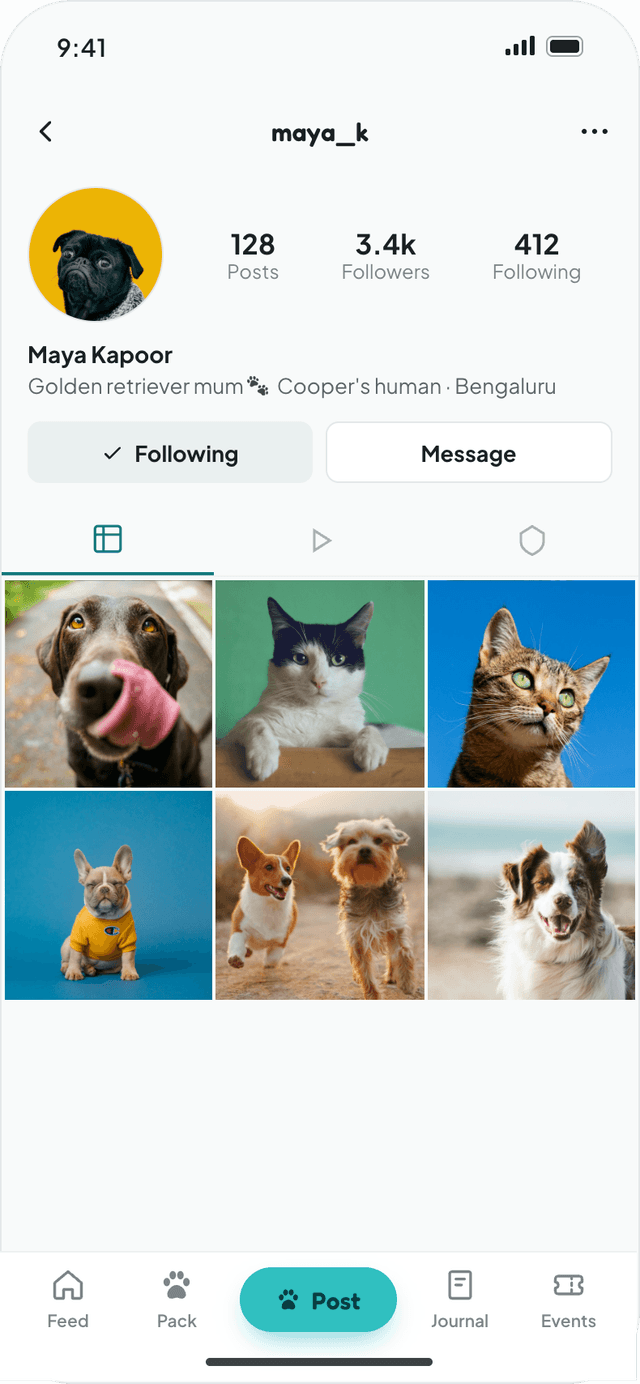
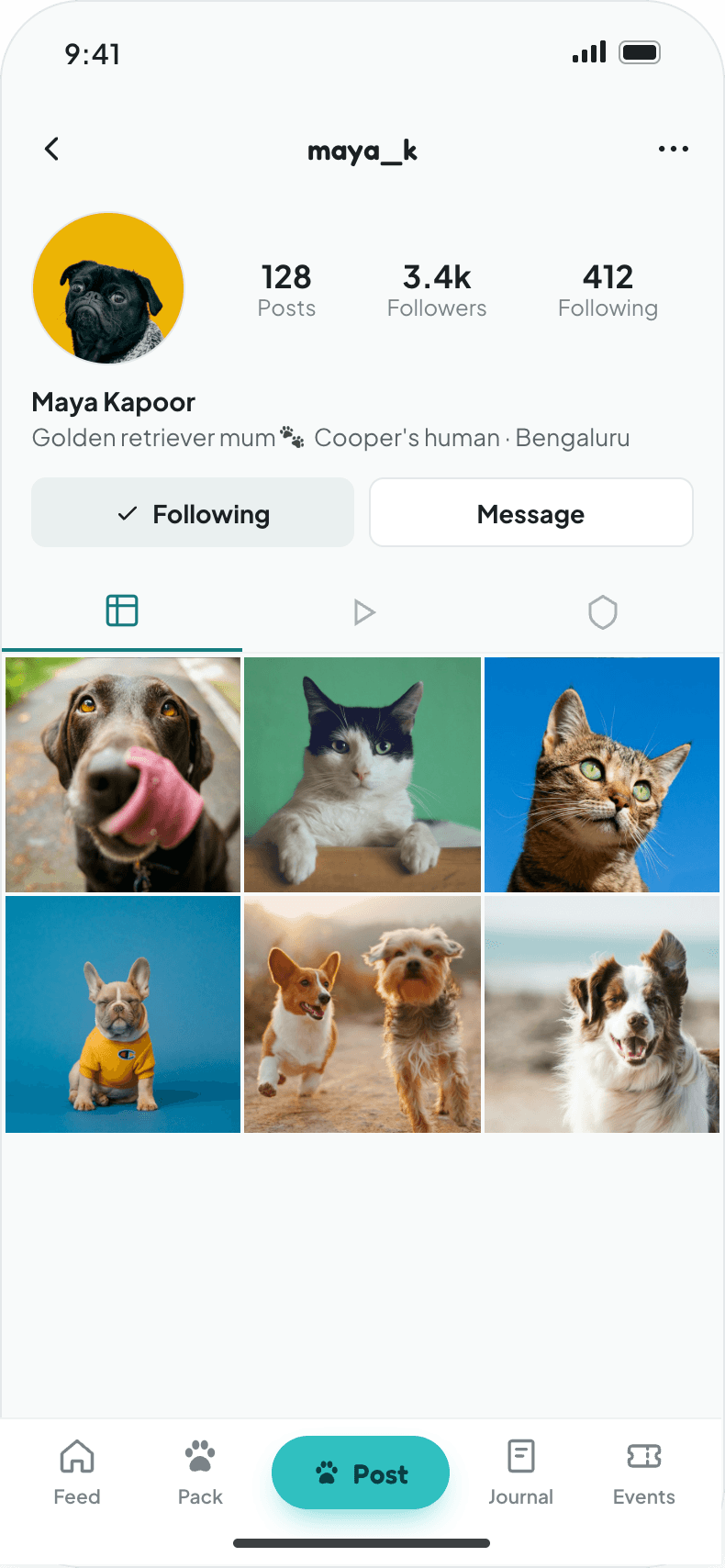
Zoomiees User Profile Screen
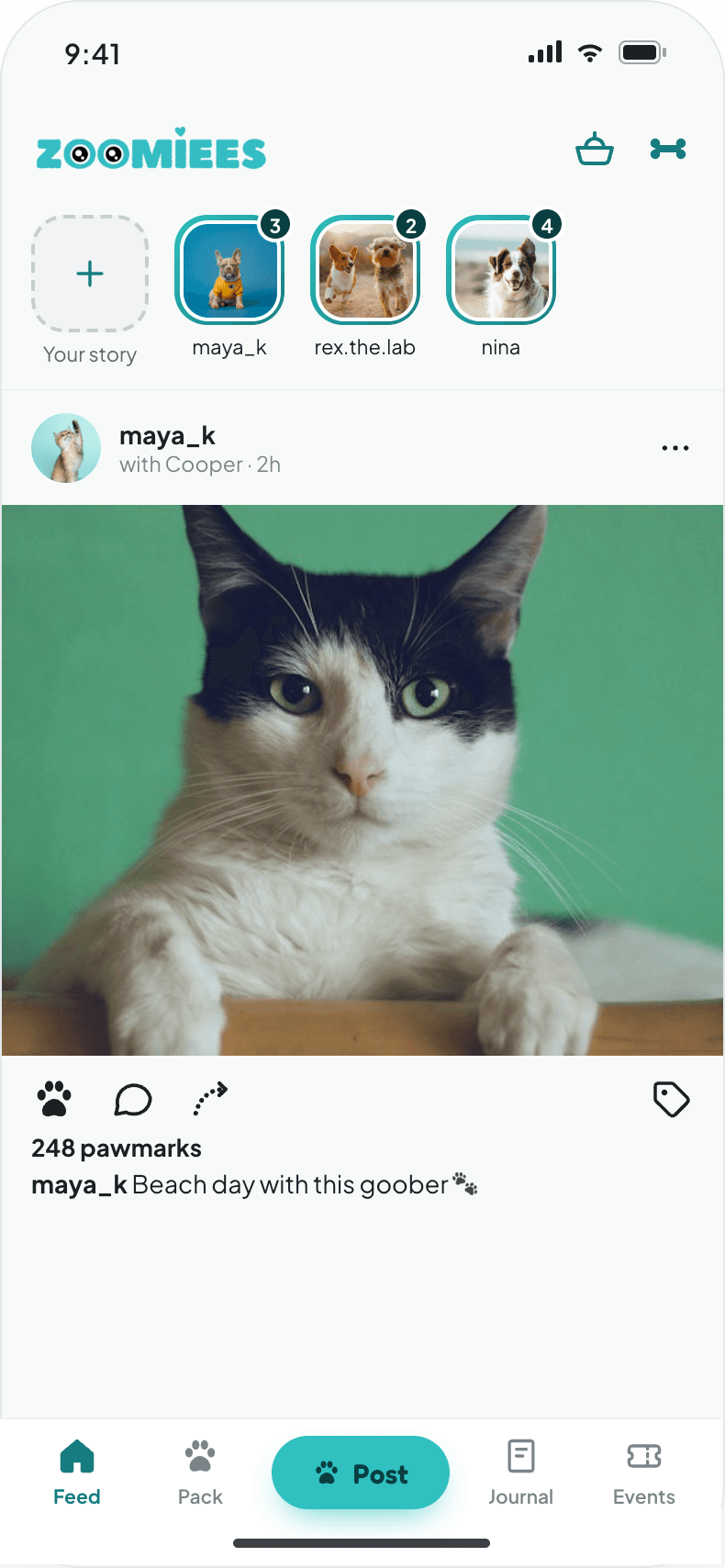
Zoomiees Feed Screen
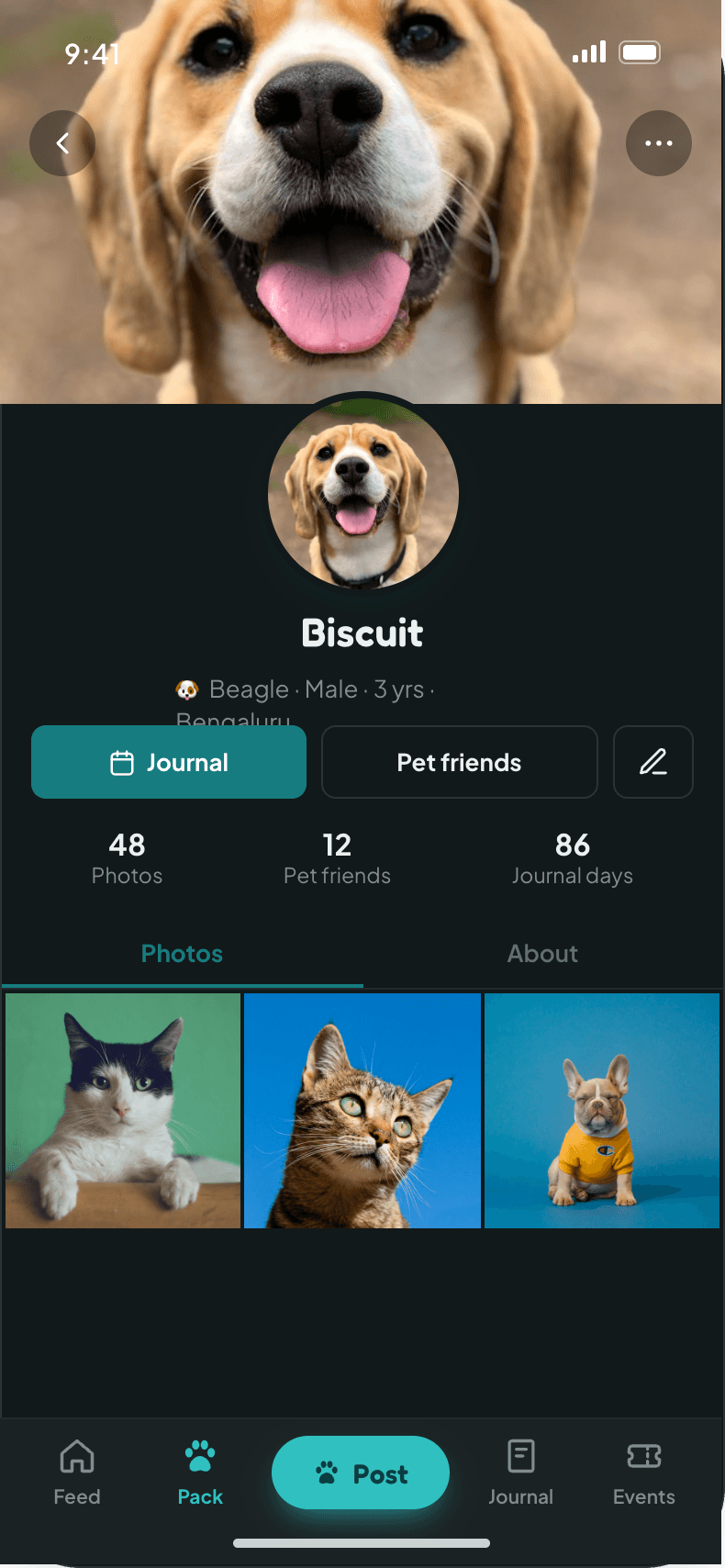
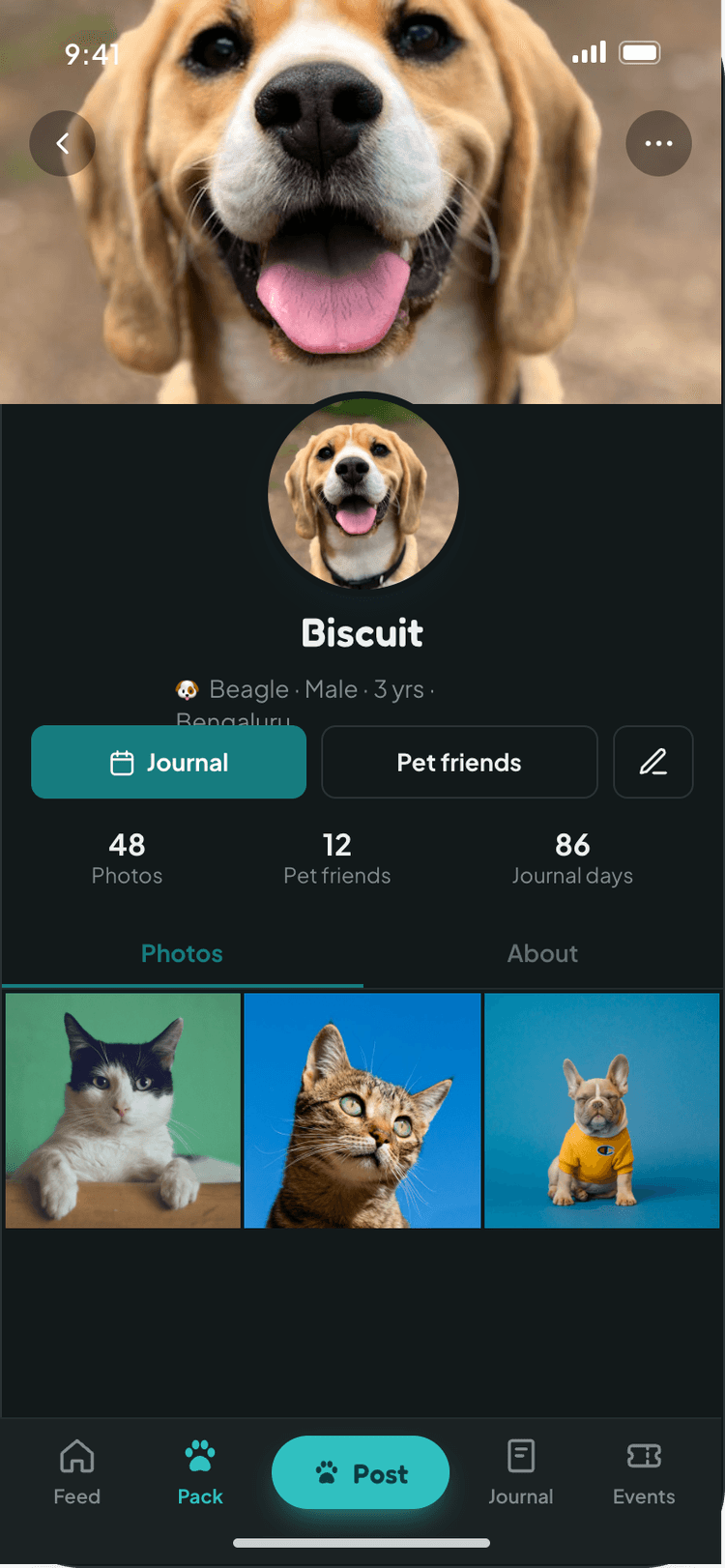
Zoomiees Pet Profile Screen
CLIENTZoomiees
INDUSTRYPet Care & Community
SECTORConsumer Social
LOCATIONIndia
PLATFORMAndroid, iOS
OUR ROLEUX, UI & design system
6End-to-end user journeys
145+Screen states designed
2Themes, light and dark
2User roles: Pet Parent & Event Organizer
THE CHALLENGE

Pet parents post about their pets, but social apps are built around people

Pet owners run whole accounts for their dogs and cats on general-purpose apps, where a pet is just a caption. Zoomiees wanted a dedicated home for India's pet community, with familiar social patterns, a safe sign-up for younger users and space for event organizers alongside pet parents.

OUR APPROACH

Make the pet a first-class profile, then build the social layer around it

Every pet gets its own profile with species, breed, birthday and photos. Posts, stories and reels can tag pets, and onboarding asks for a pet before anything else. We mapped the product into six end-to-end journeys and designed every state of every screen, including loading, empty, error and success.

SIX JOURNEYS · ONE PET PARENT
J1First launch & sign inSplash, OTP or email login, sign-up, age gate, password reset.
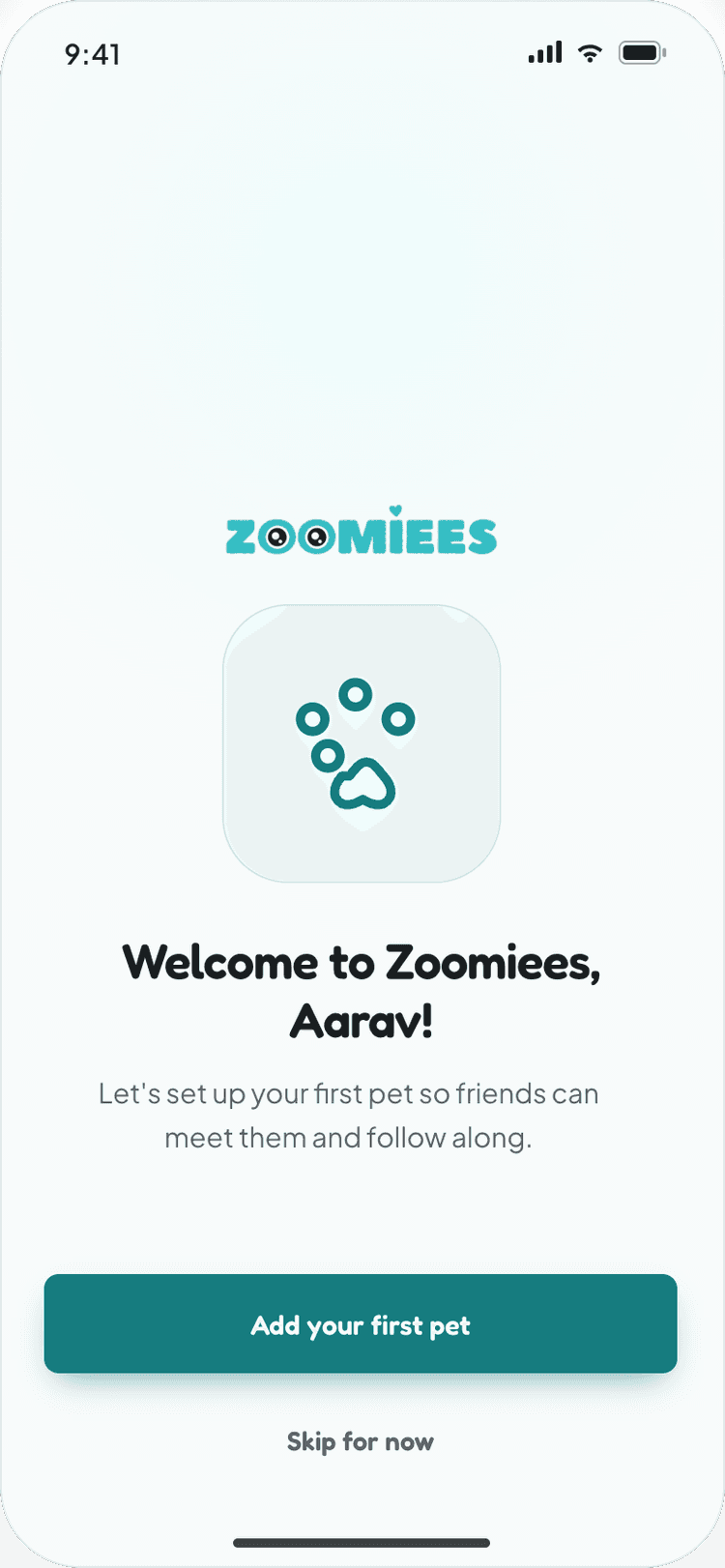
J2OnboardingWelcome, first pet profile, landing on the feed.
J3Feed & discoverStory viewer, post detail with comments, explore and search.
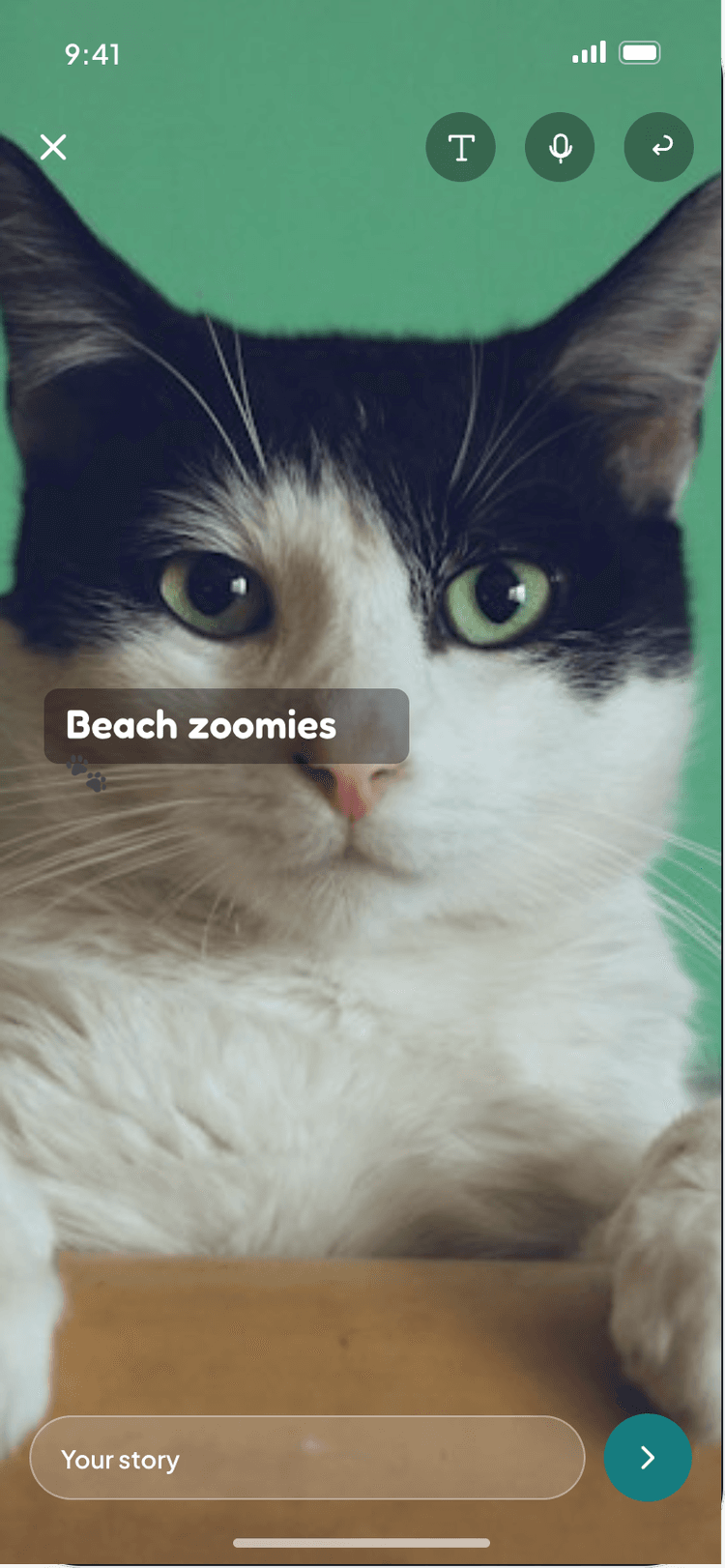
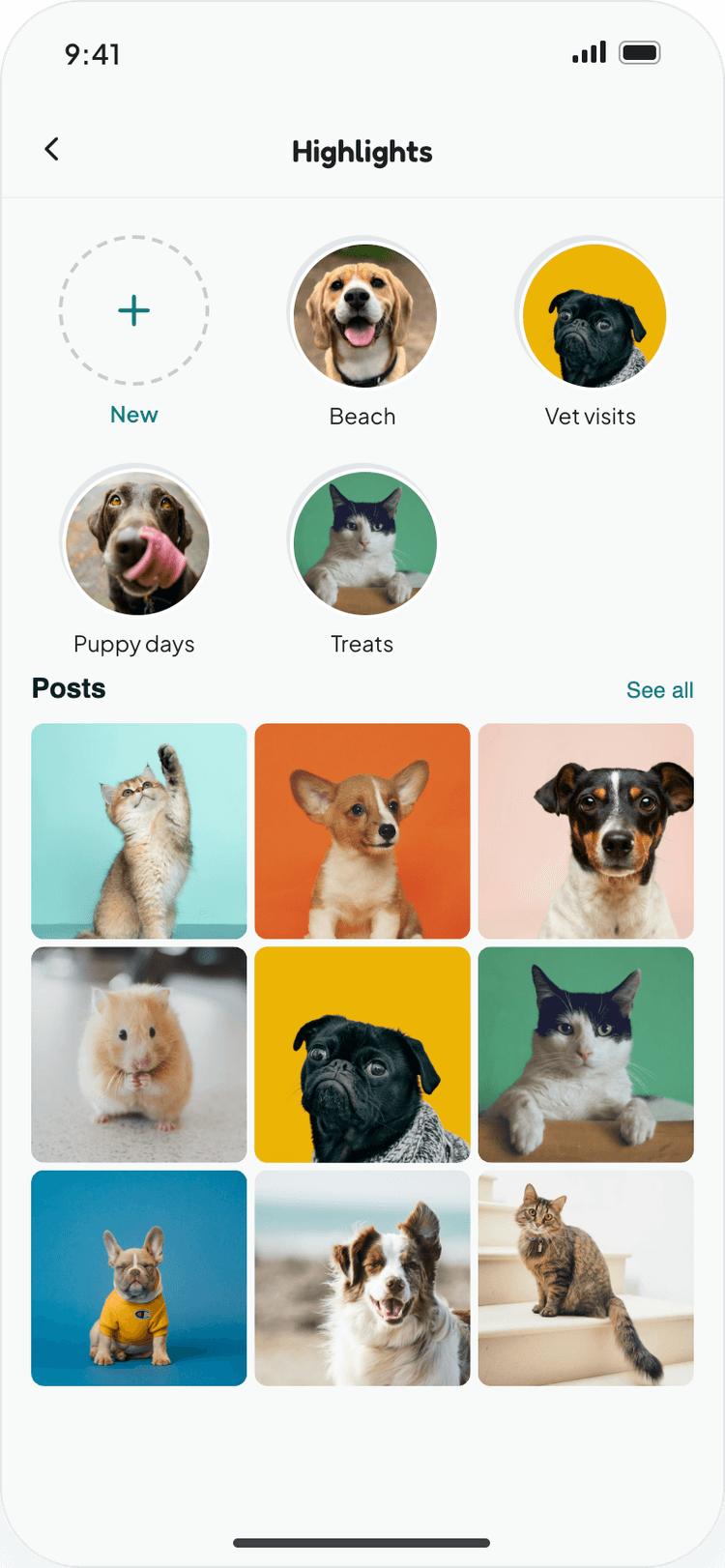
J4Post & managePosts, stories, reels and profile highlights.
J5Follow & social graphProfiles, private accounts, follow requests, follower lists.
J6Add & manage a petMy Pets, pet profiles, create and edit.
01 · FIRST LAUNCH & SIGN IN

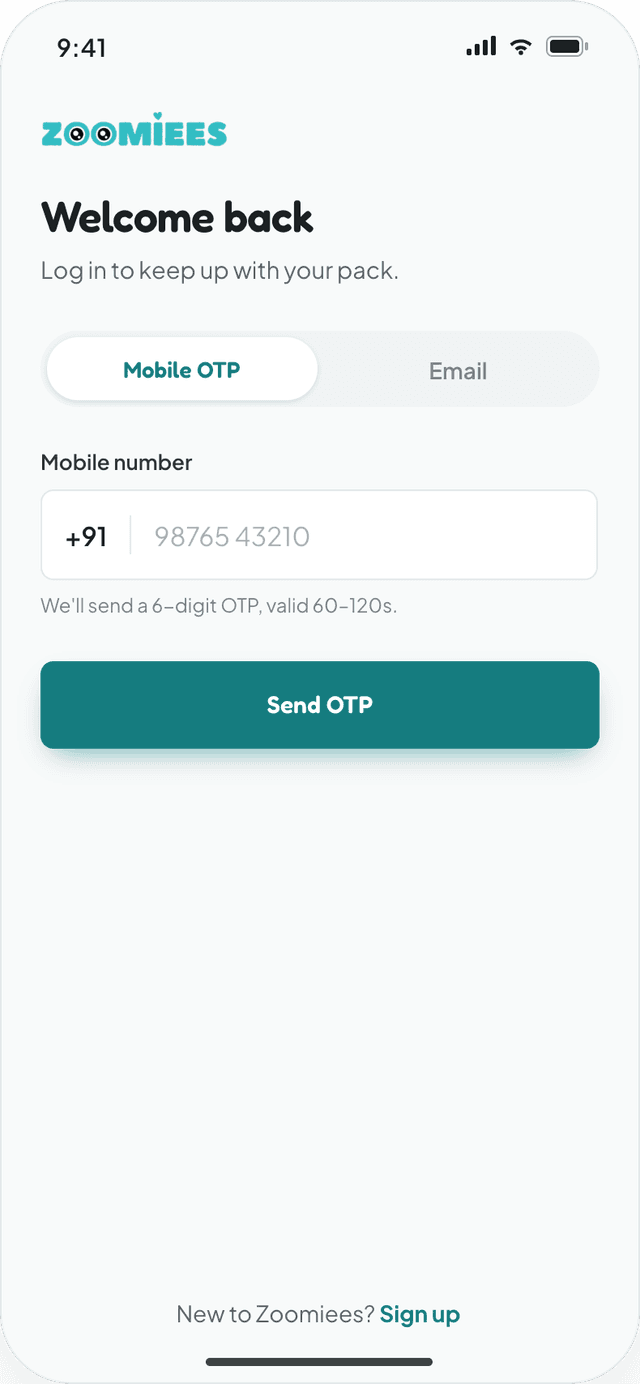
Sign in with a phone number in under a minute

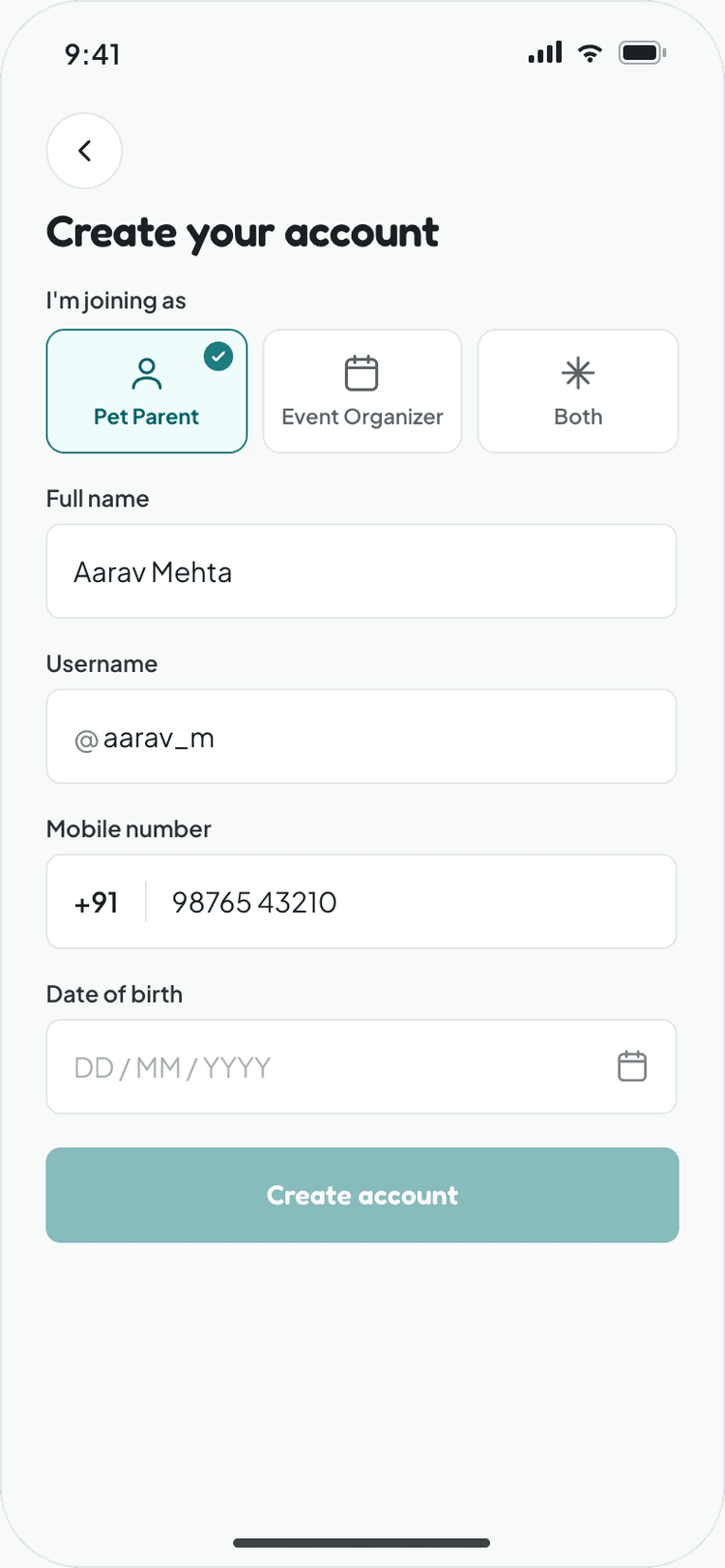
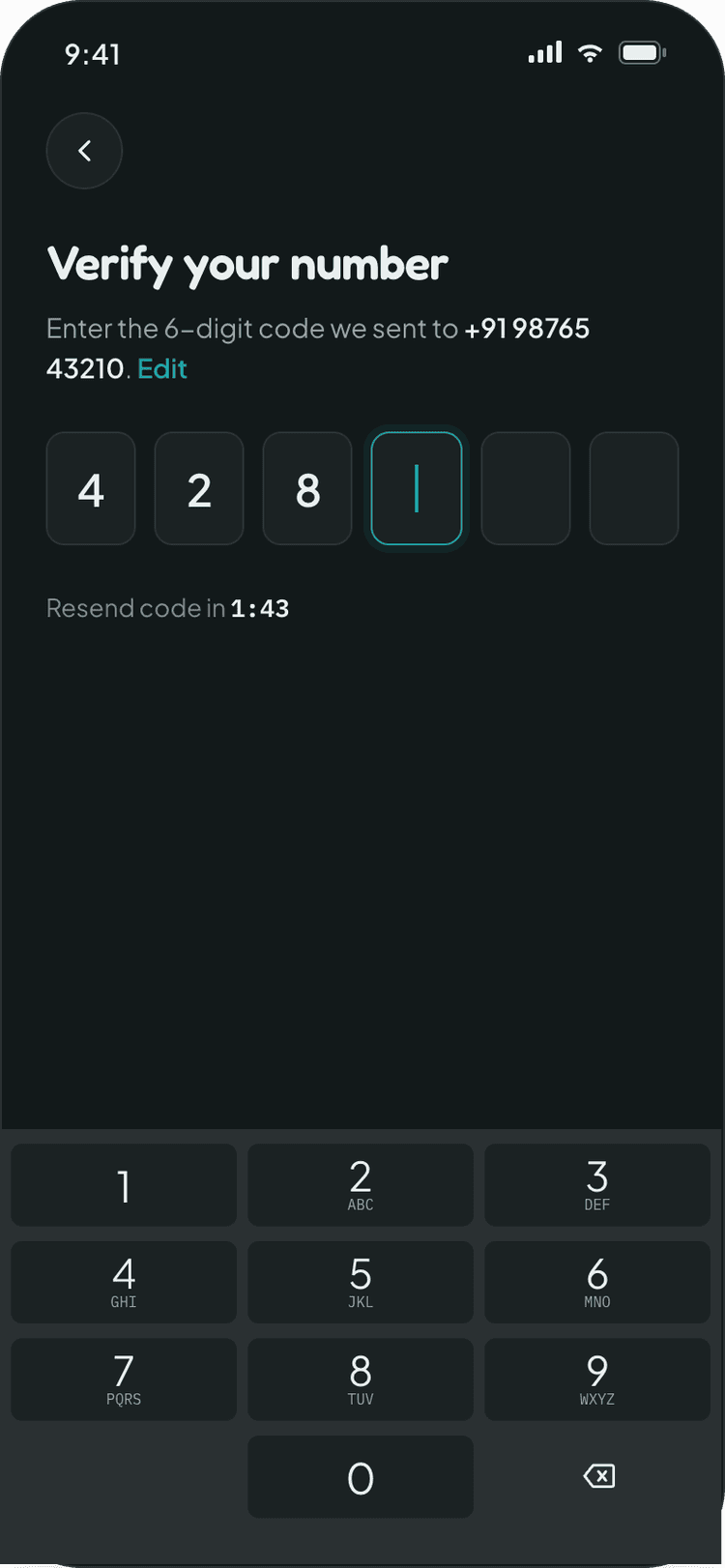
Mobile OTP is the default for Indian users, with email and password one tap away. The OTP screen auto-advances as digits are typed, and sign-up collects role, username and date of birth in a single form.
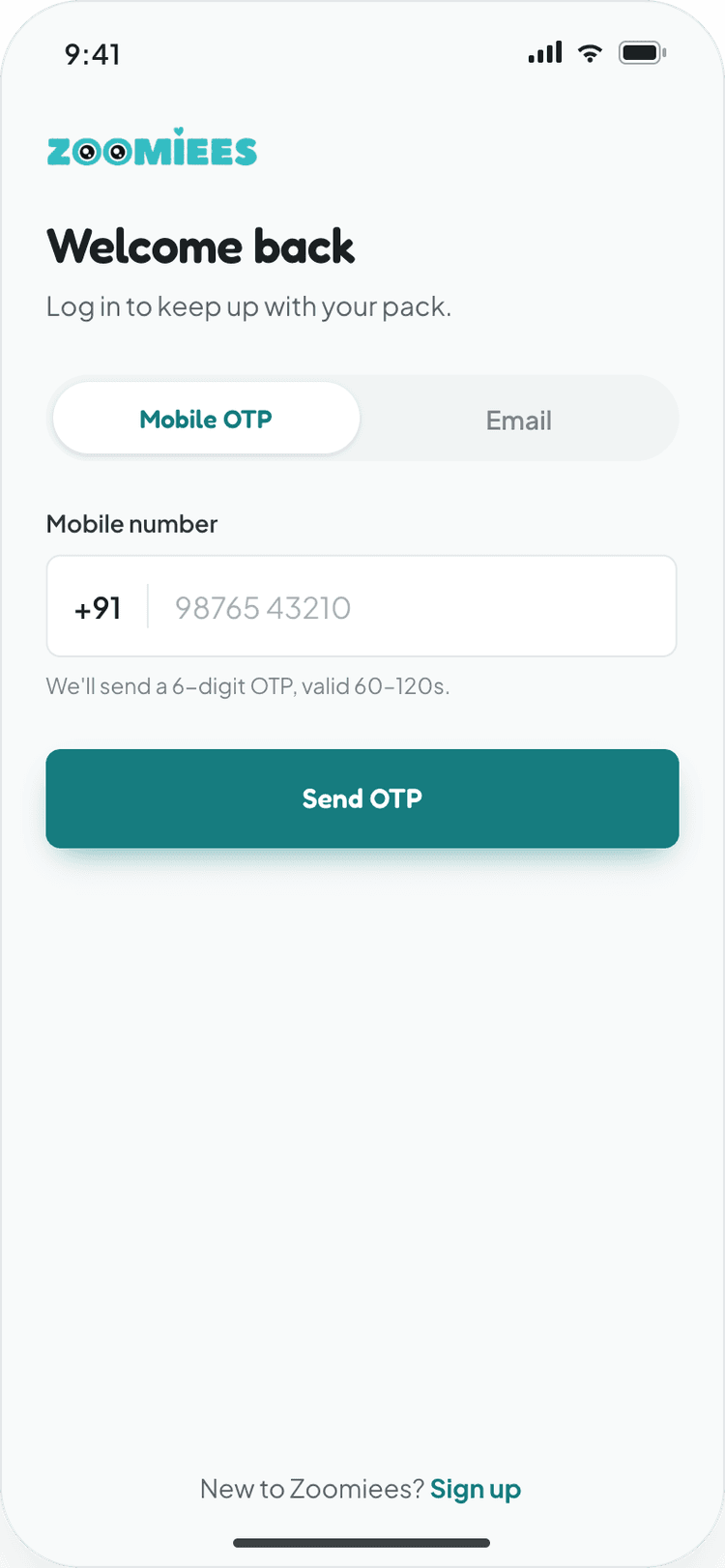
Mobile OTP by default, with email and password as an alternative
6-digit code with auto-advance, resend cooldown and a 3-resend limit
Choose Pet Parent or Event Organizer during sign-up
Date-of-birth age gate that blocks users under 13
Zoomiees Login Screen
Zoomiees OTP Screen
Zoomiees Signup Screen
Zoomiees Welcome Screen
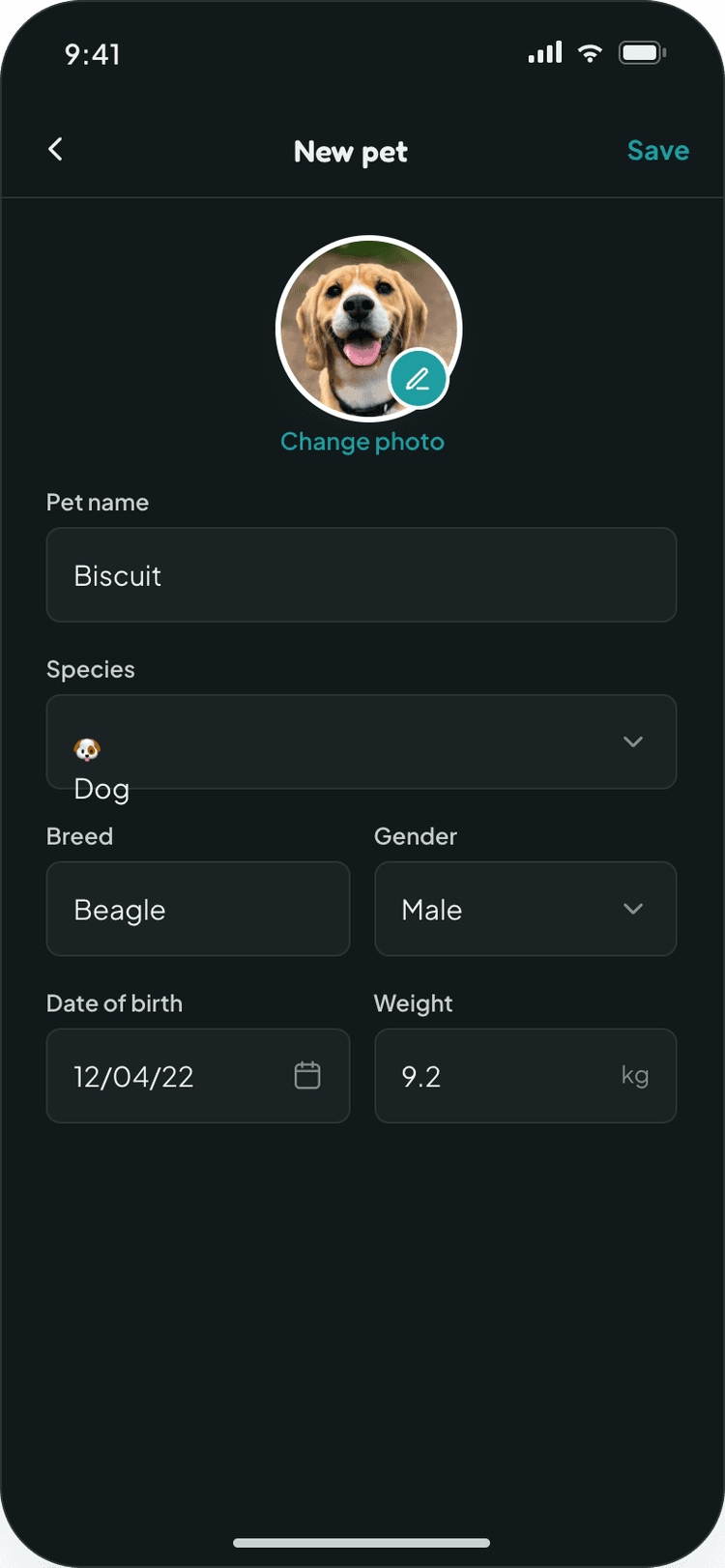
Zoomiees Create Pet Screen
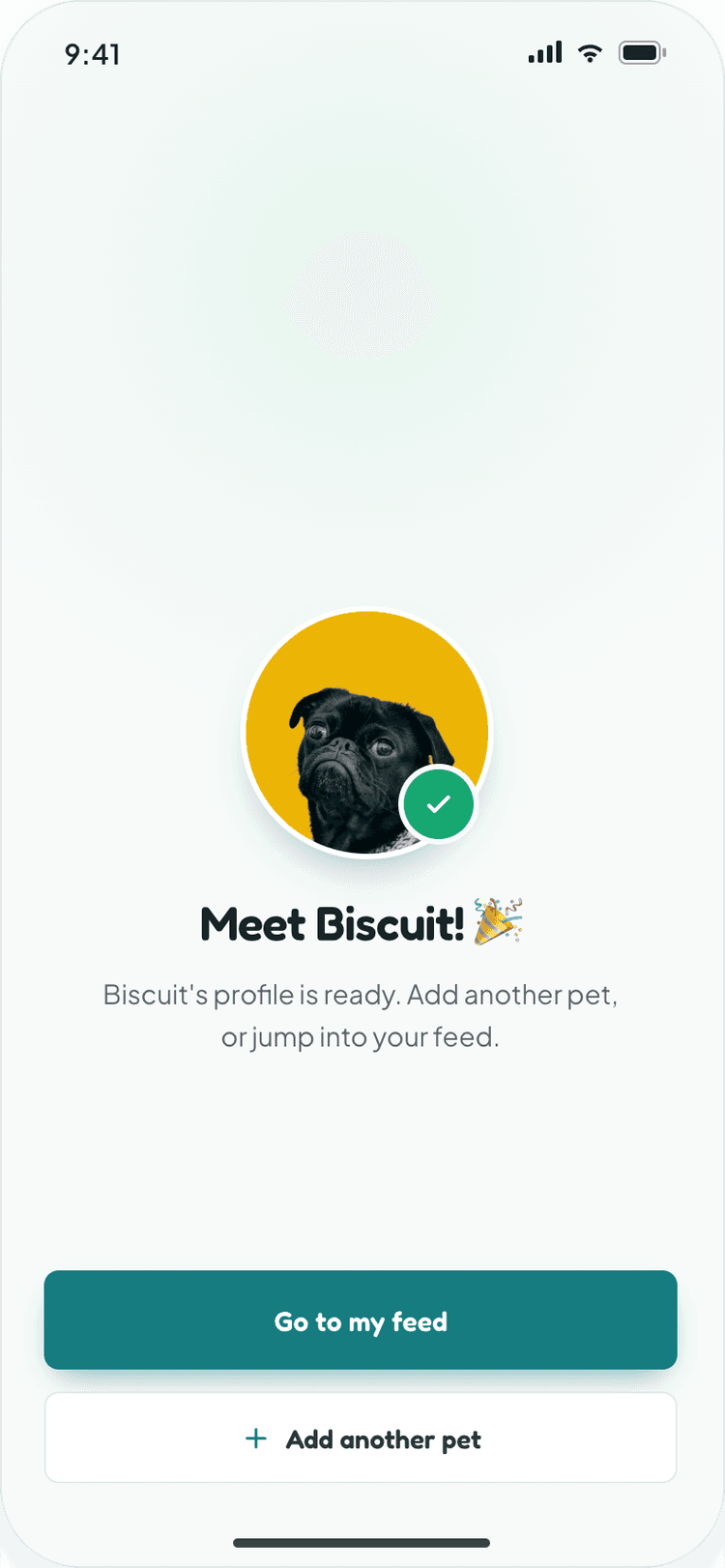
Zoomiees Pet Added Screen
02 · ONBOARDING

The first thing you create is your pet

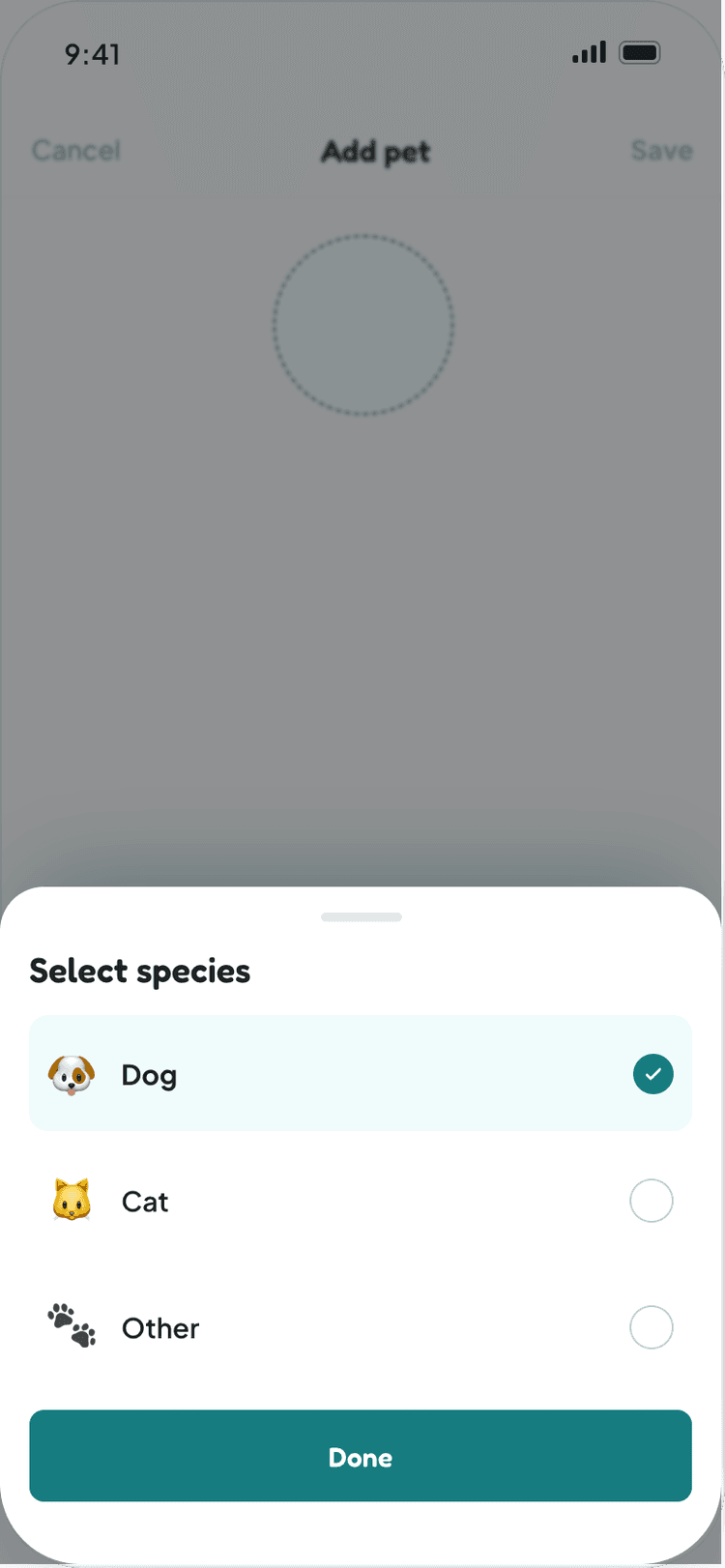
A two-step onboarding welcomes the user by name and asks, "Who's your best friend?" Photo, name, species, breed, gender, birthday and weight go into one short form, followed by a celebratory "Meet Biscuit!" moment before the feed.

Two clear stepsA progress bar shows exactly how much is left.
Species pickerDog, cat or other, chosen from a bottom sheet.
Inline validationName, species and photo errors shown on the field.
Skip, safelyUsers can skip and add a pet later from My Pets.
03 · FEED, STORIES & POSTS

A familiar feed, tuned for pet moments

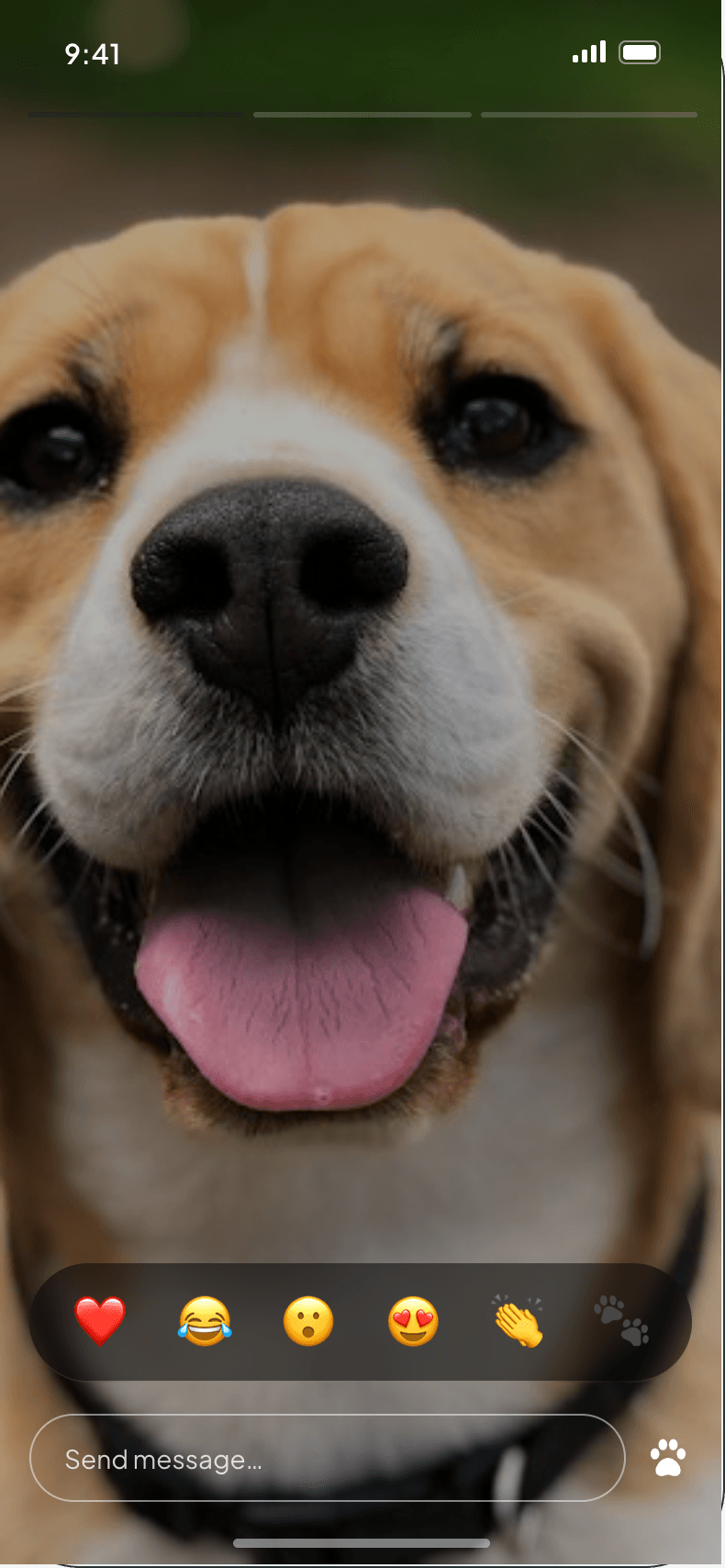
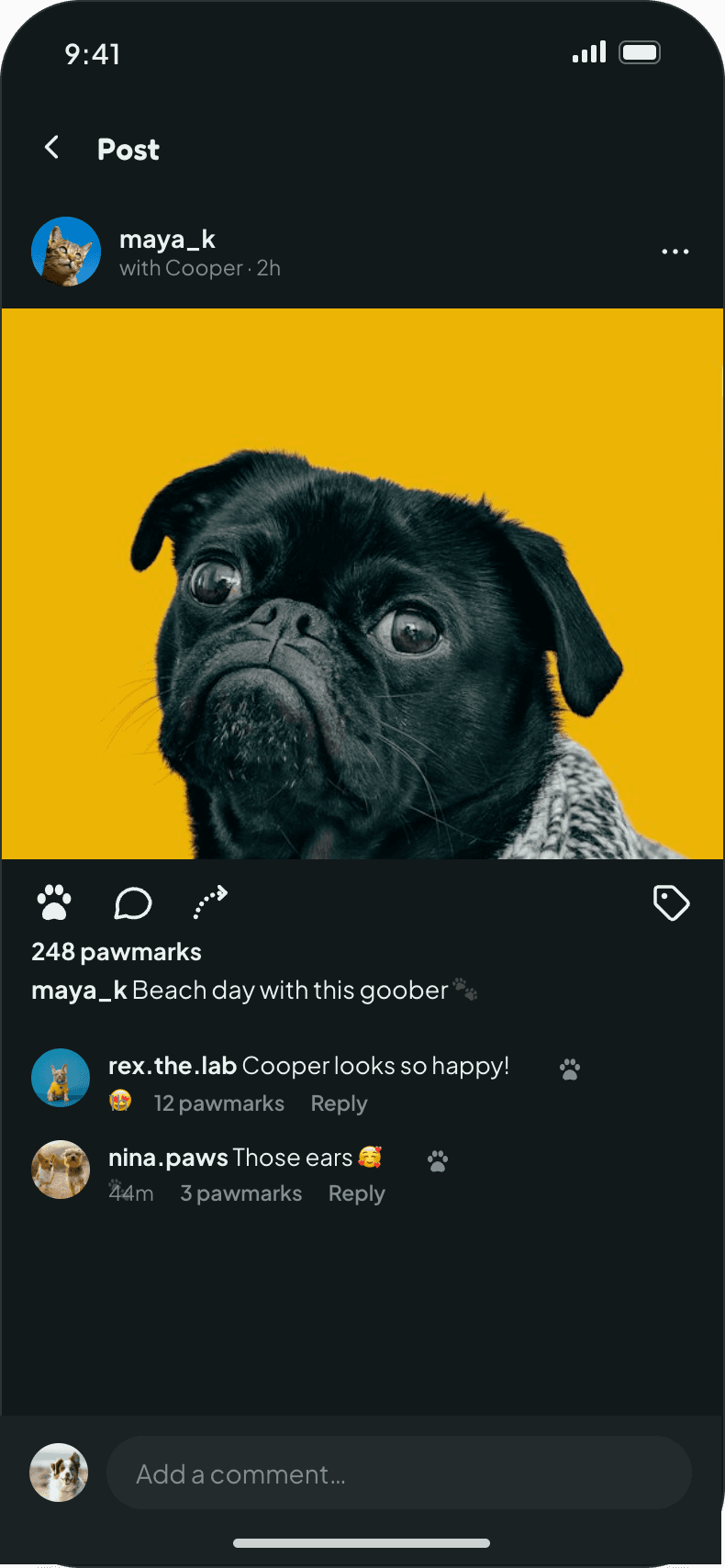
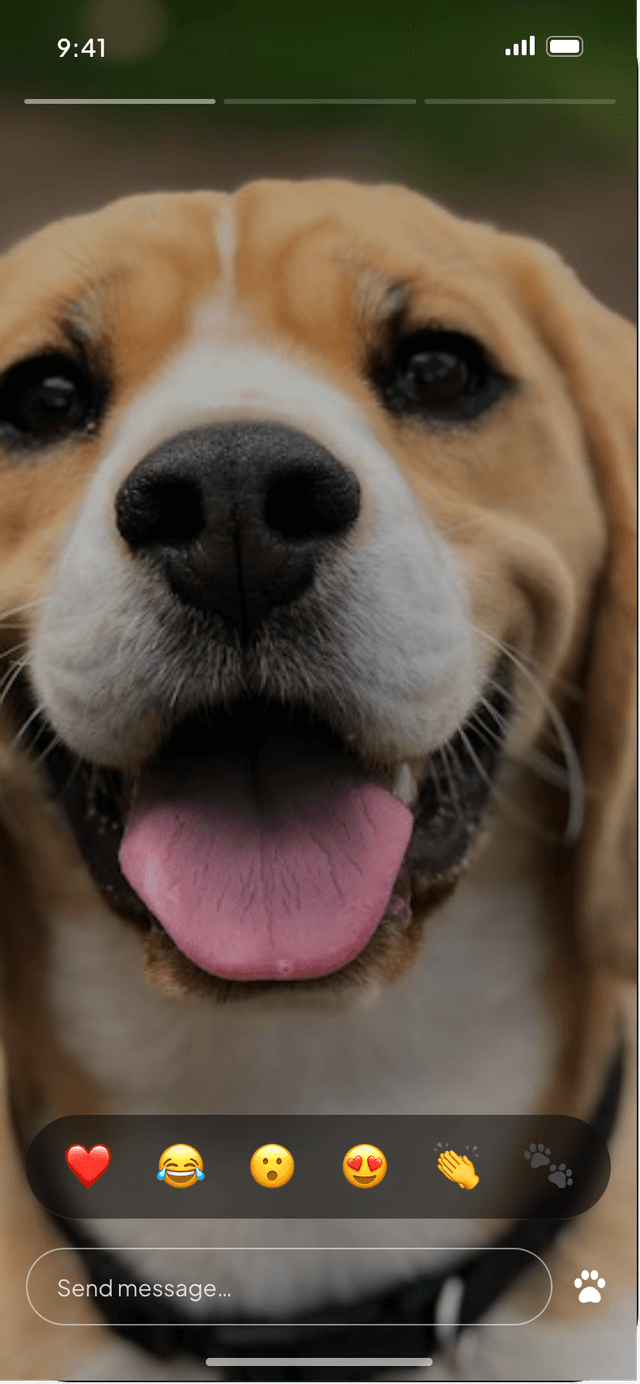
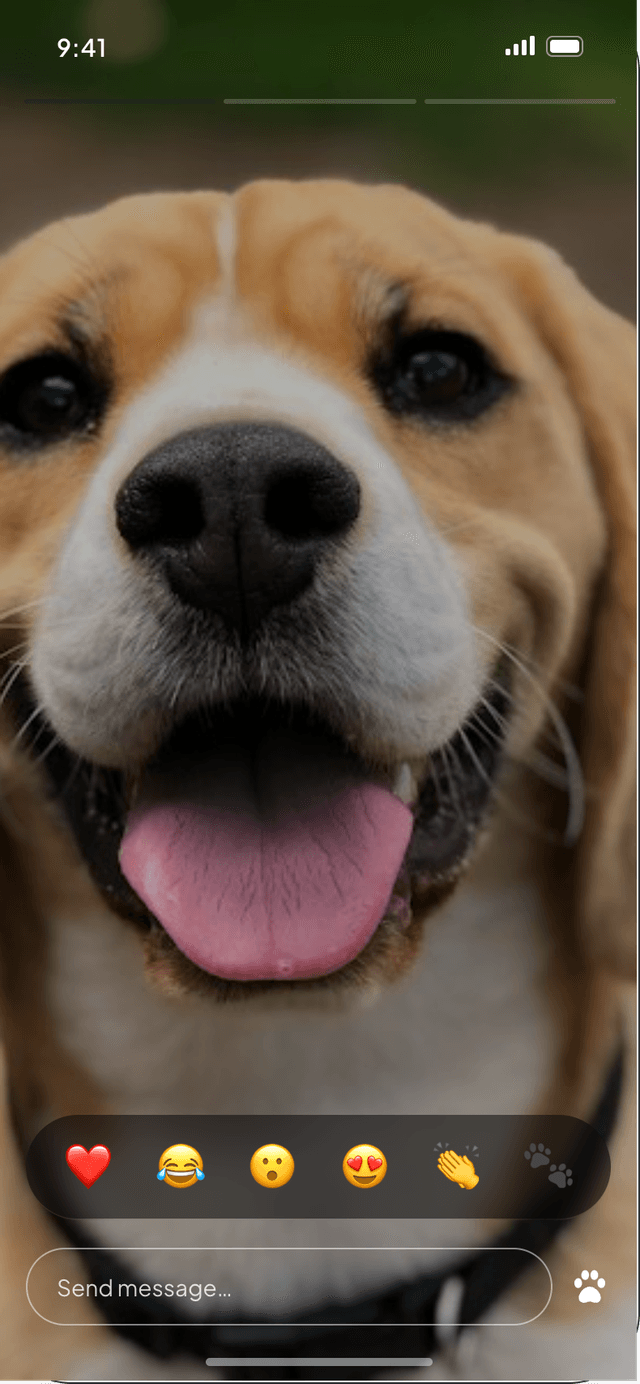
A stories rail sits above a scrolling feed of posts. Stories play full-screen with hold-to-pause, quick emoji reactions and replies, and every post opens into a detail view with likes and threaded comments.
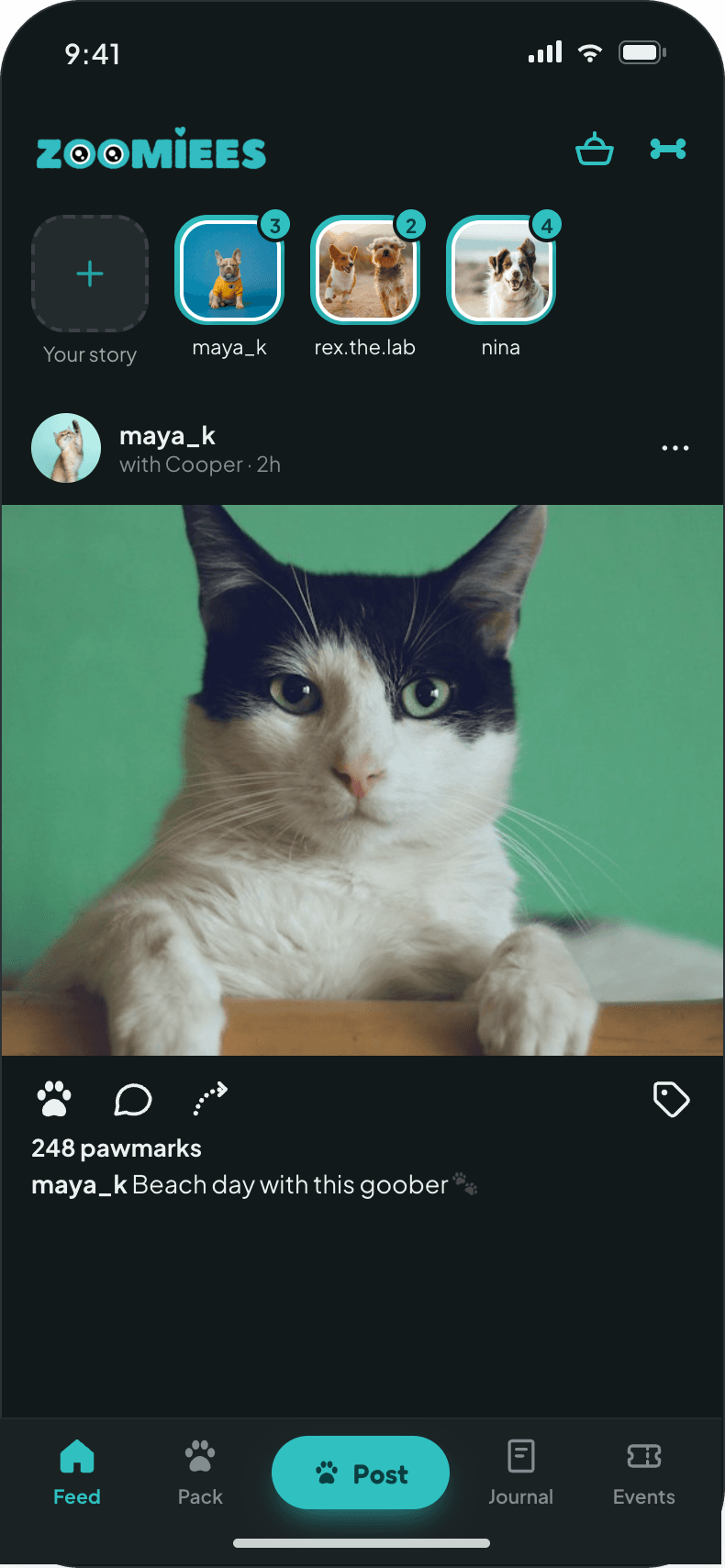
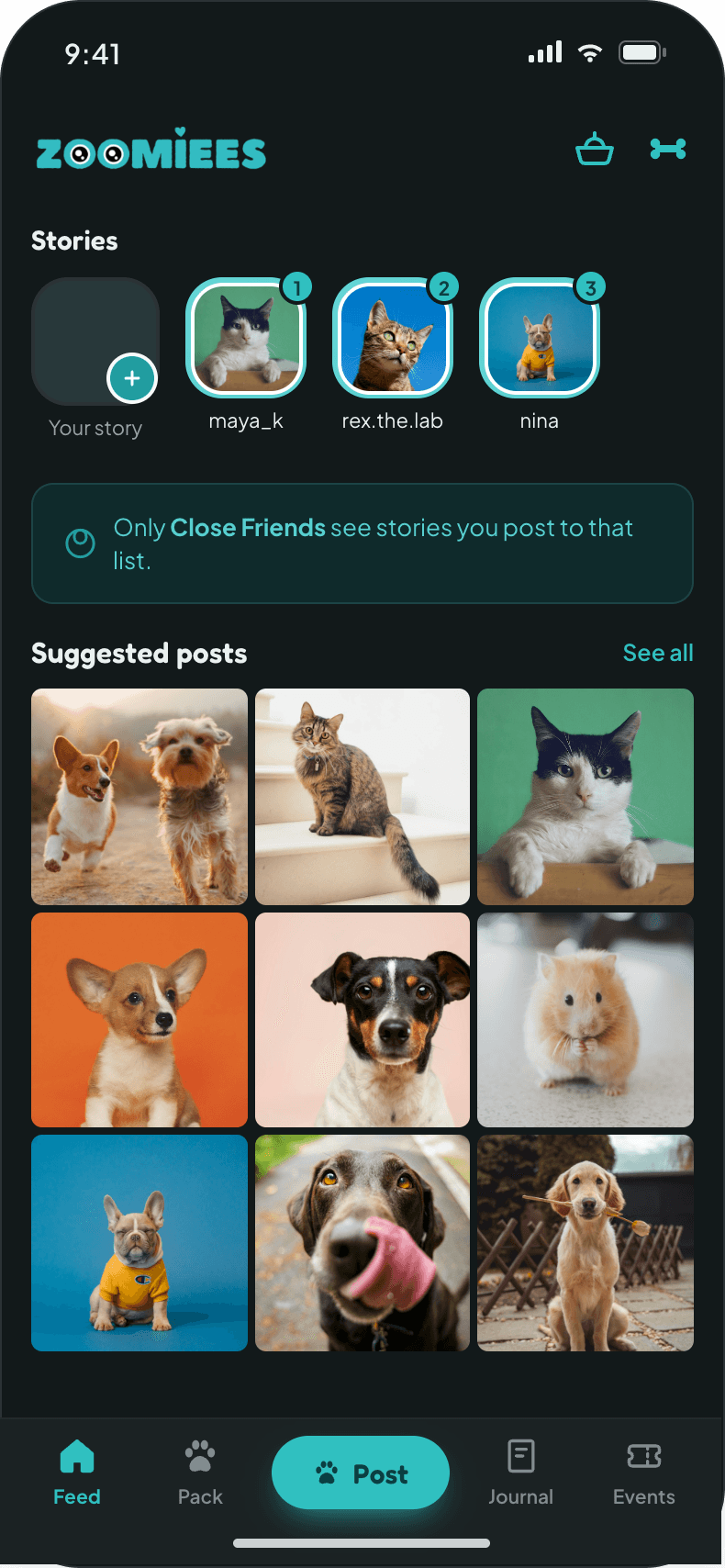
Feed home
Feed homeStories rail, posts, likes and saves.
Close Friends stories
Close Friends storiesRings show unseen stories at a glance.
Story viewer
Story viewerQuick reactions and direct replies.
Post detail
Post detailLikes, comments and inline replies.
04 · EXPLORE & SEARCH

Find people, pets and tags from one search bar

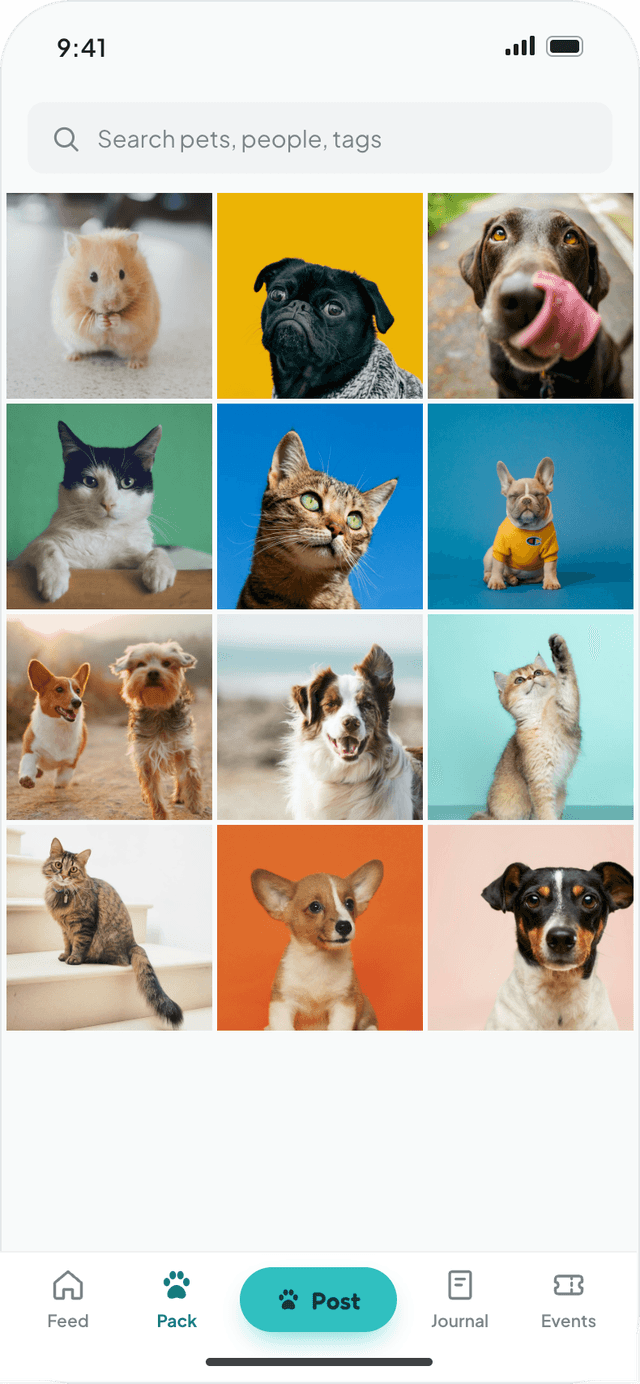
Explore opens on a grid of popular posts. Search results split into People, Pets and Tags tabs, each with a follow button inline, so finding another beagle owner in your city takes a few keystrokes.
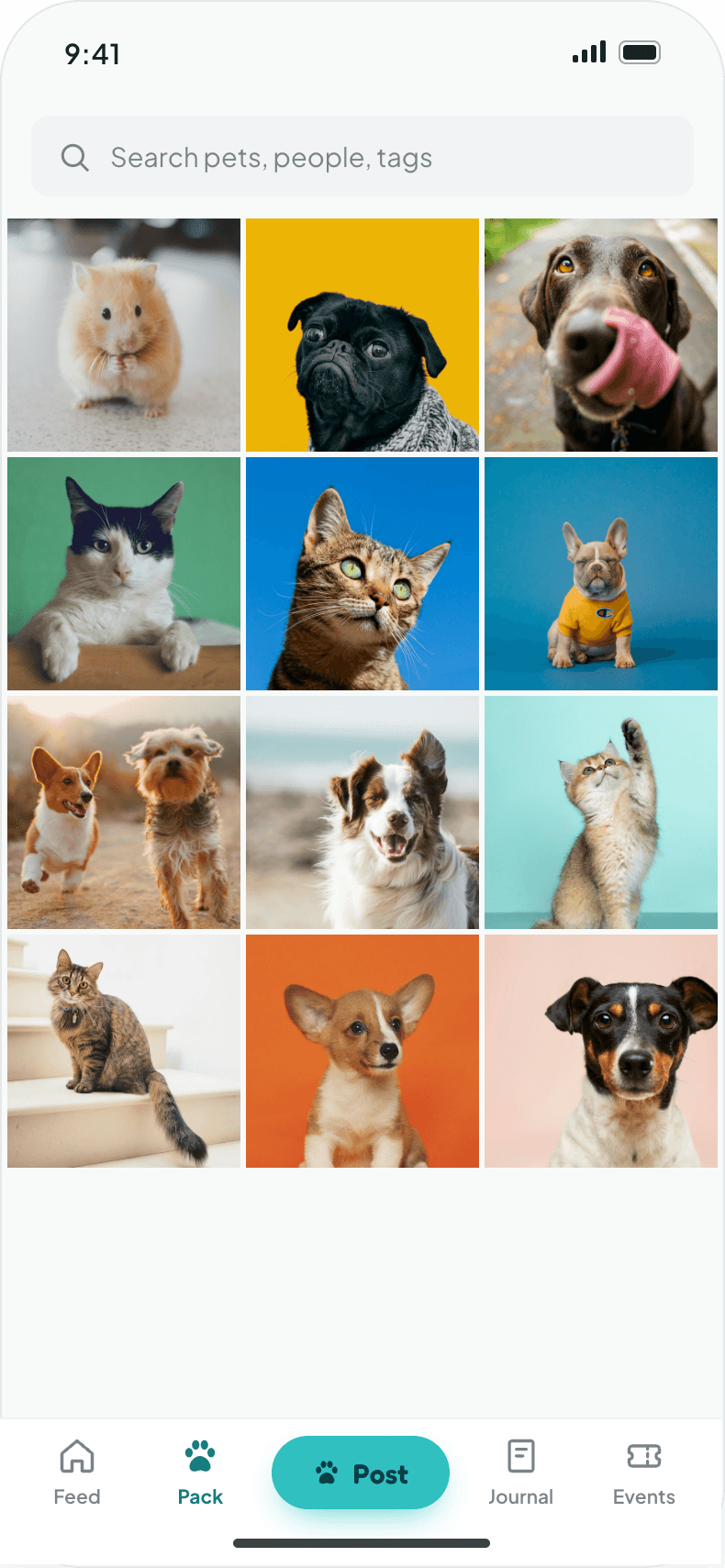
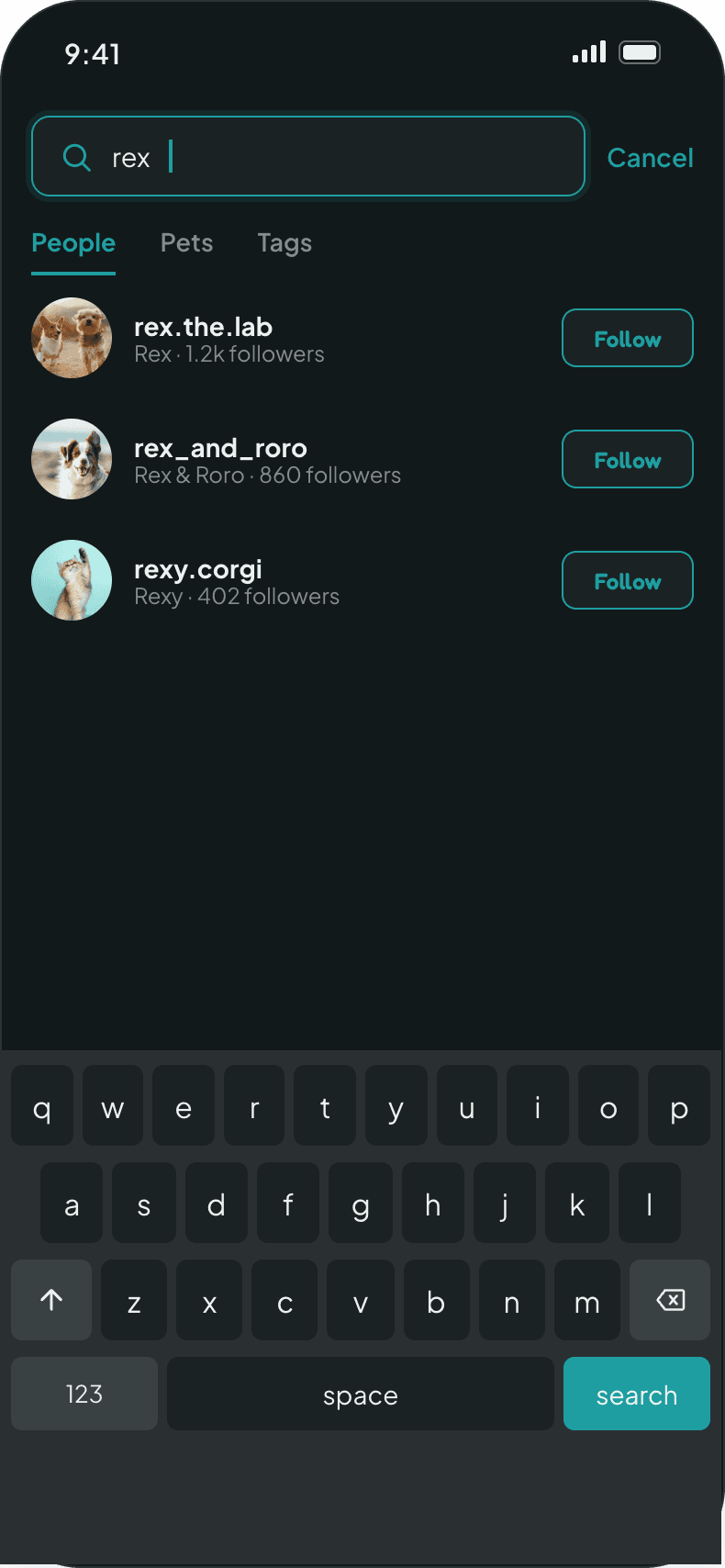
PeoplePetsTagsPopular gridInline followNo-result guidance
Zoomiees Explore Screen
Zoomiees Search Screen
05 · POST & MANAGE CONTENT

Four ways to share, one consistent flow

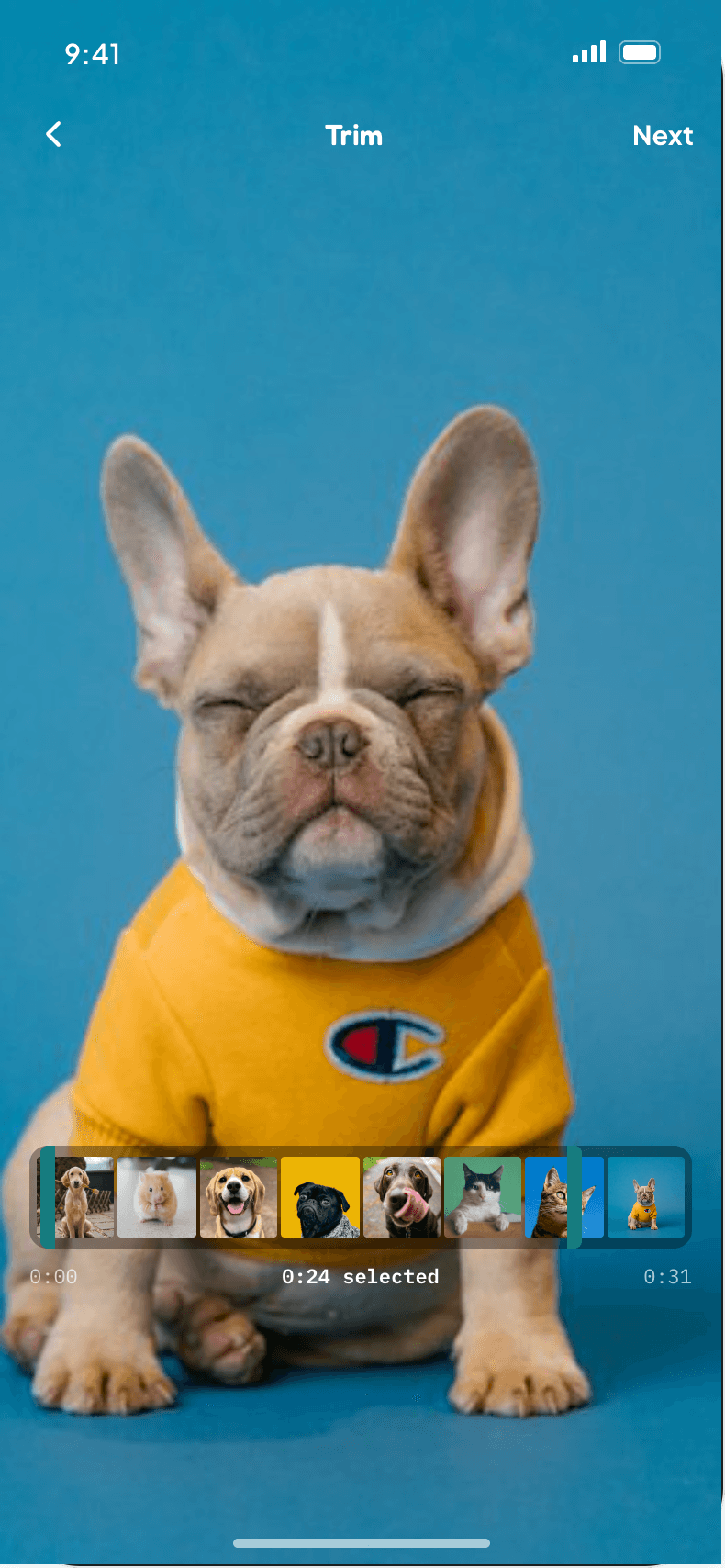
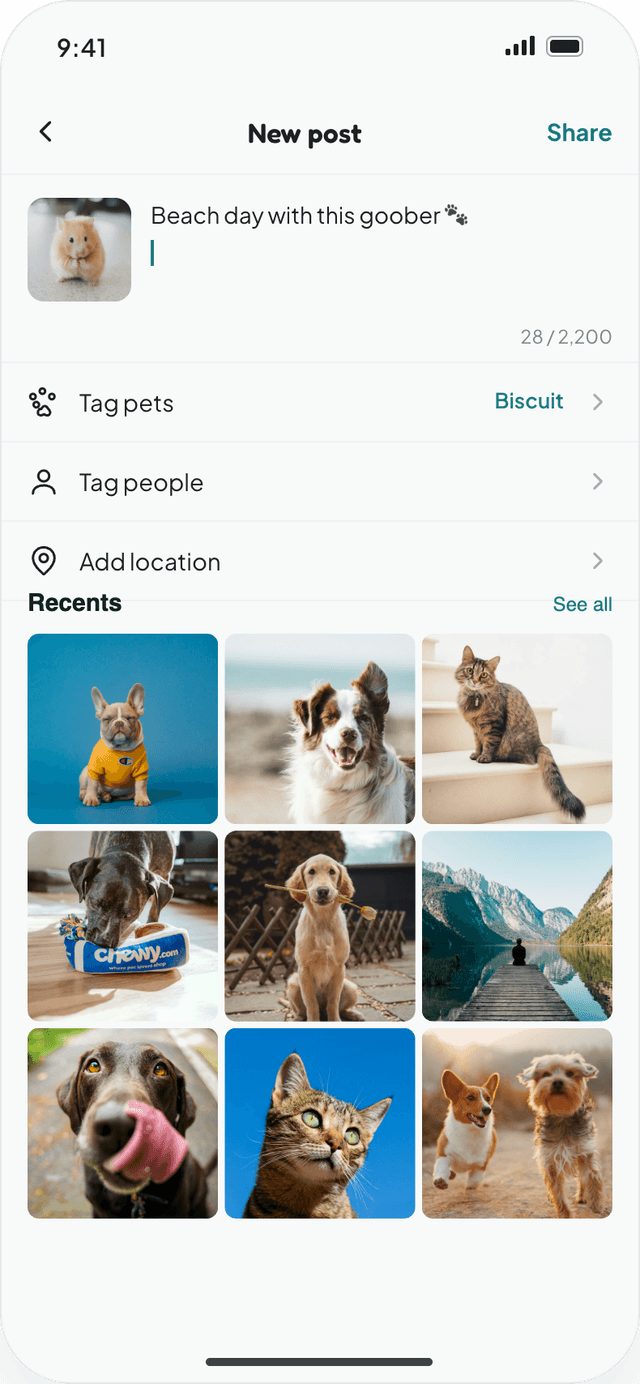
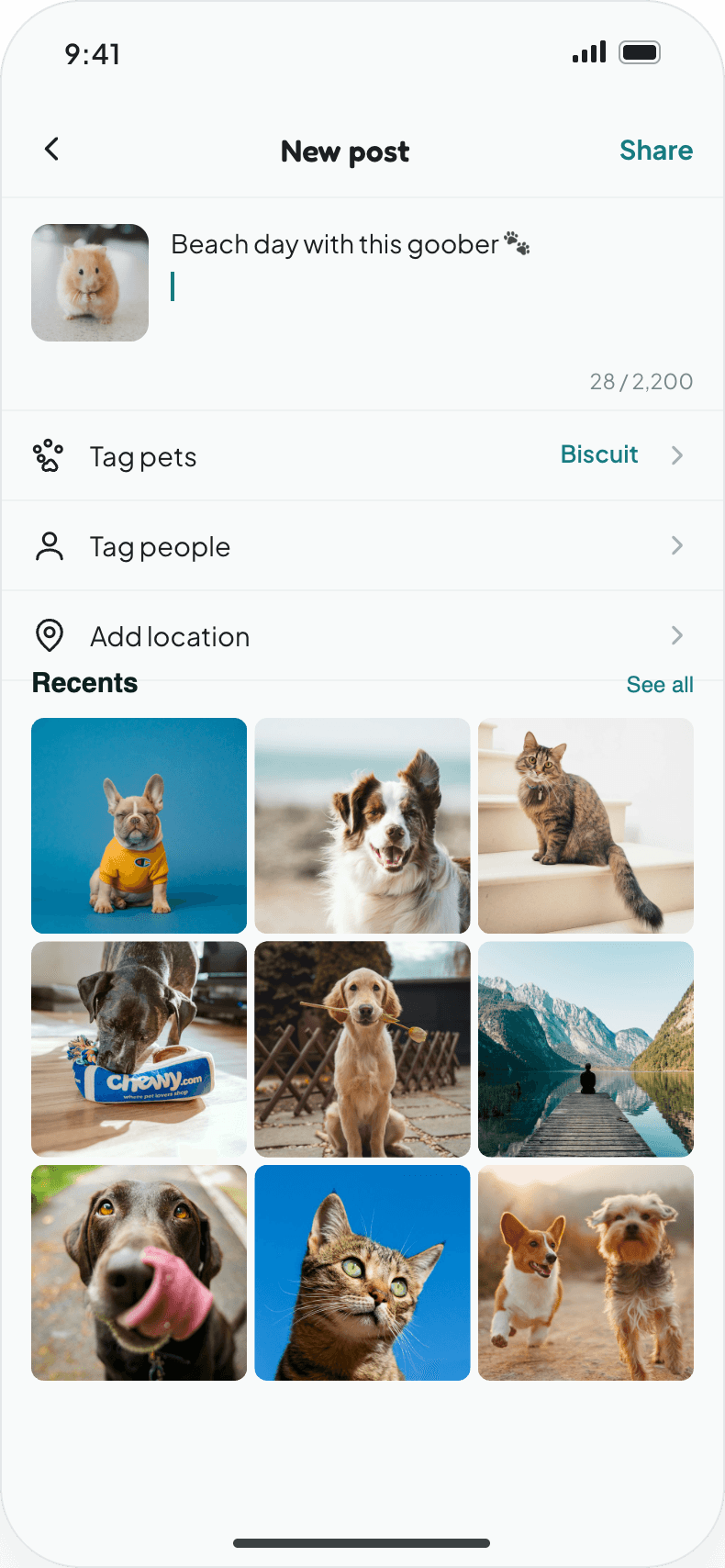
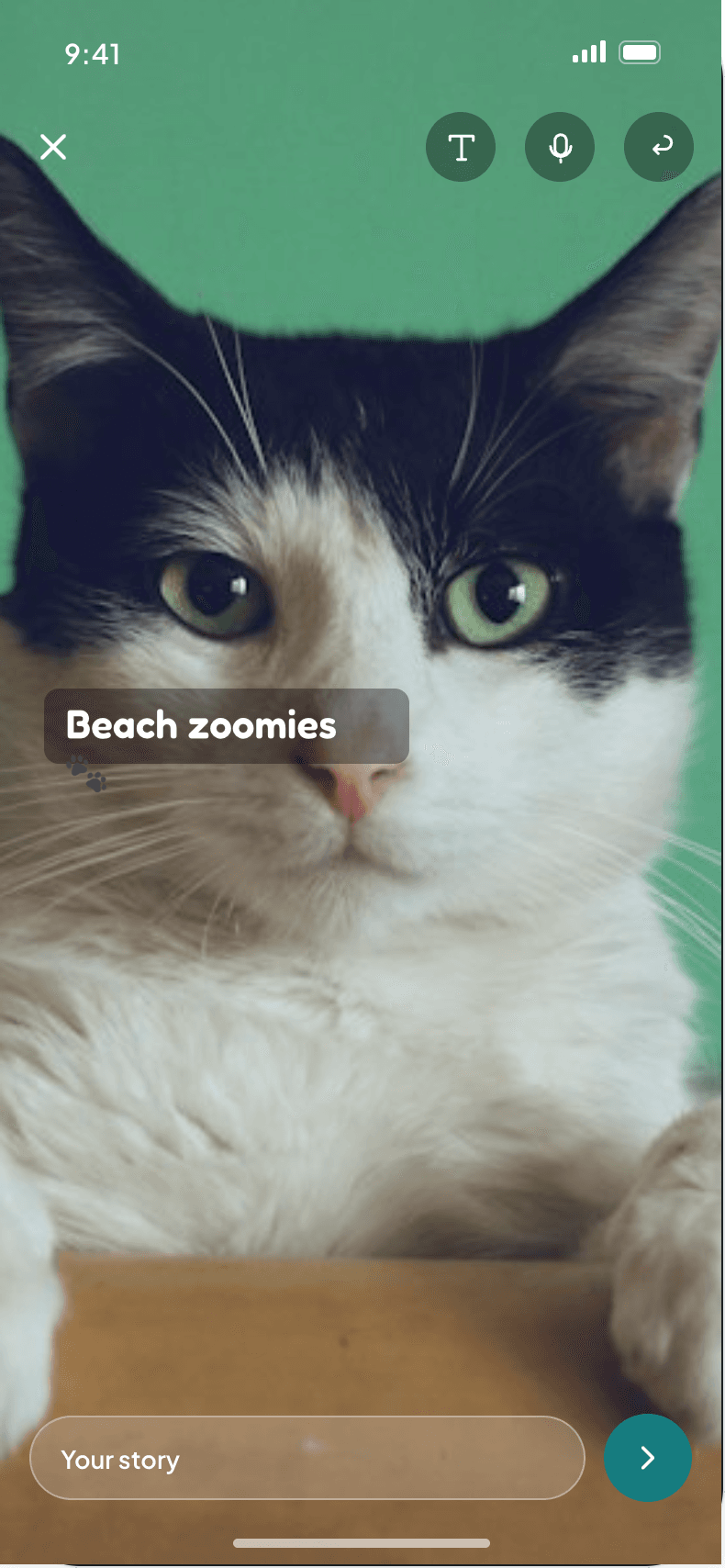
Posts, stories, reels and highlights share the same pick, edit and publish rhythm. Each format can tag pets and mention friends, and clear limits on caption length, file size and video duration are explained before upload fails.
Caption & details
POSTCaption & detailsTag pets, tag people and add a location.
Story editor
STORYStory editorText, stickers and a Close Friends toggle.
Trim & scrub
REELTrim & scrubVertical video trimmed to length before publish.
Profile highlights
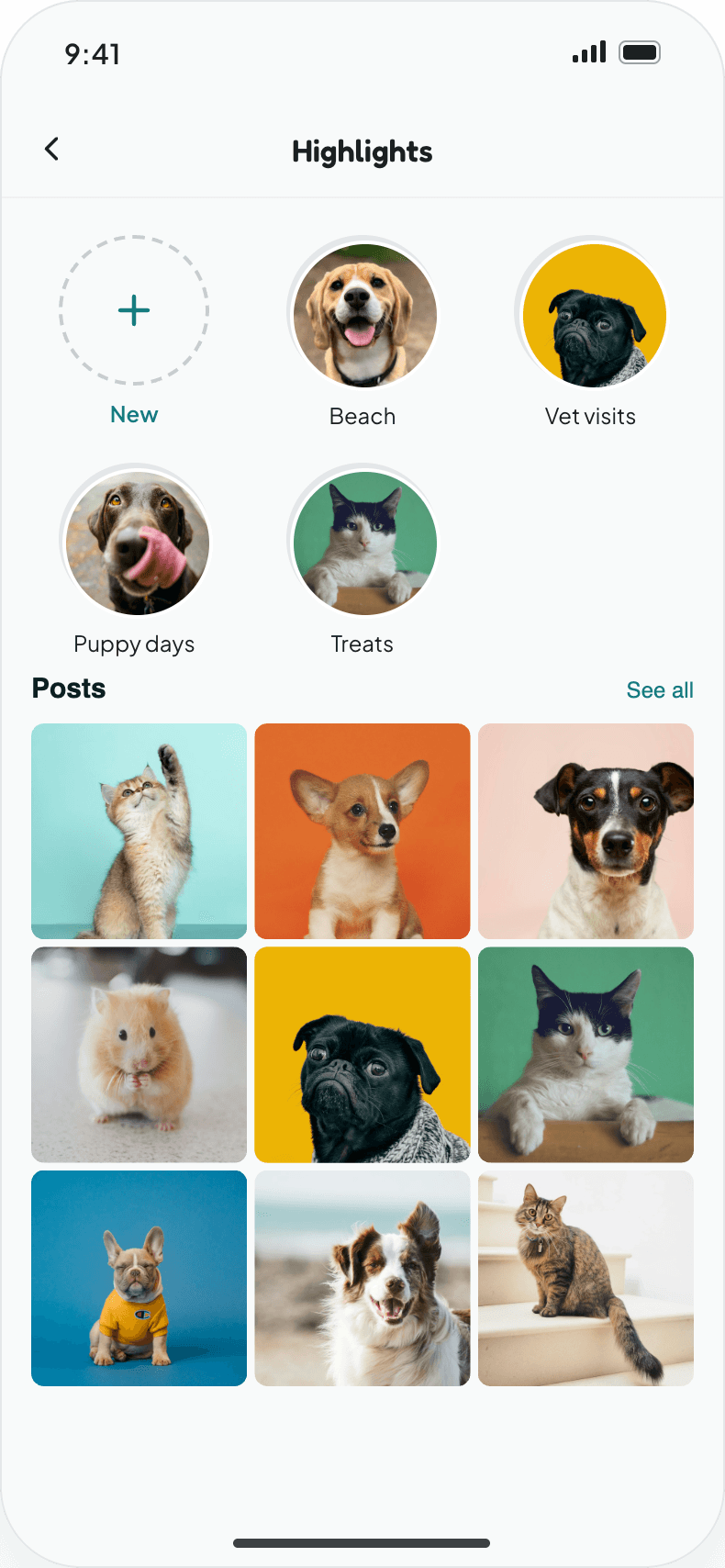
HIGHLIGHTSProfile highlightsSaved stories grouped under named covers.
06 · FOLLOW & SOCIAL GRAPH

Public or private, the owner decides who follows

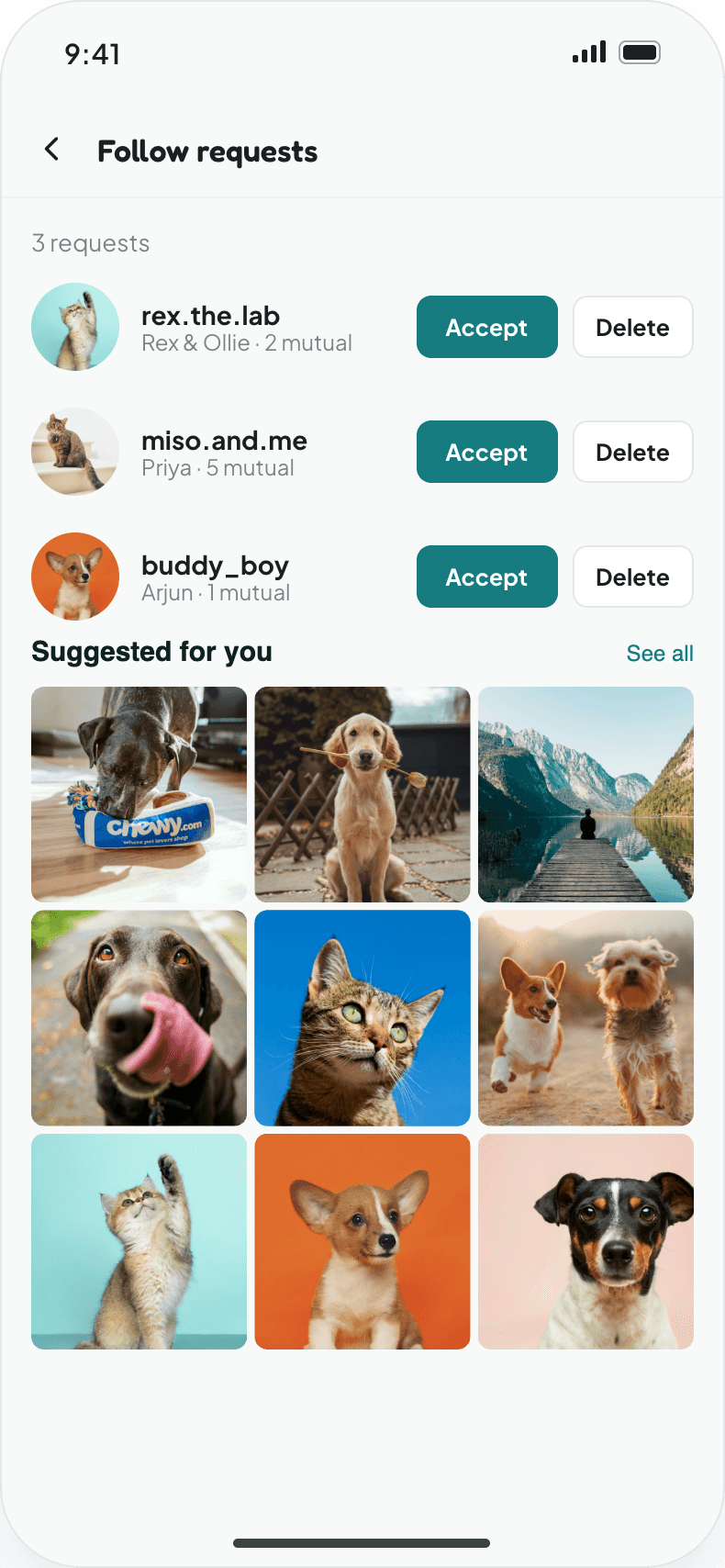
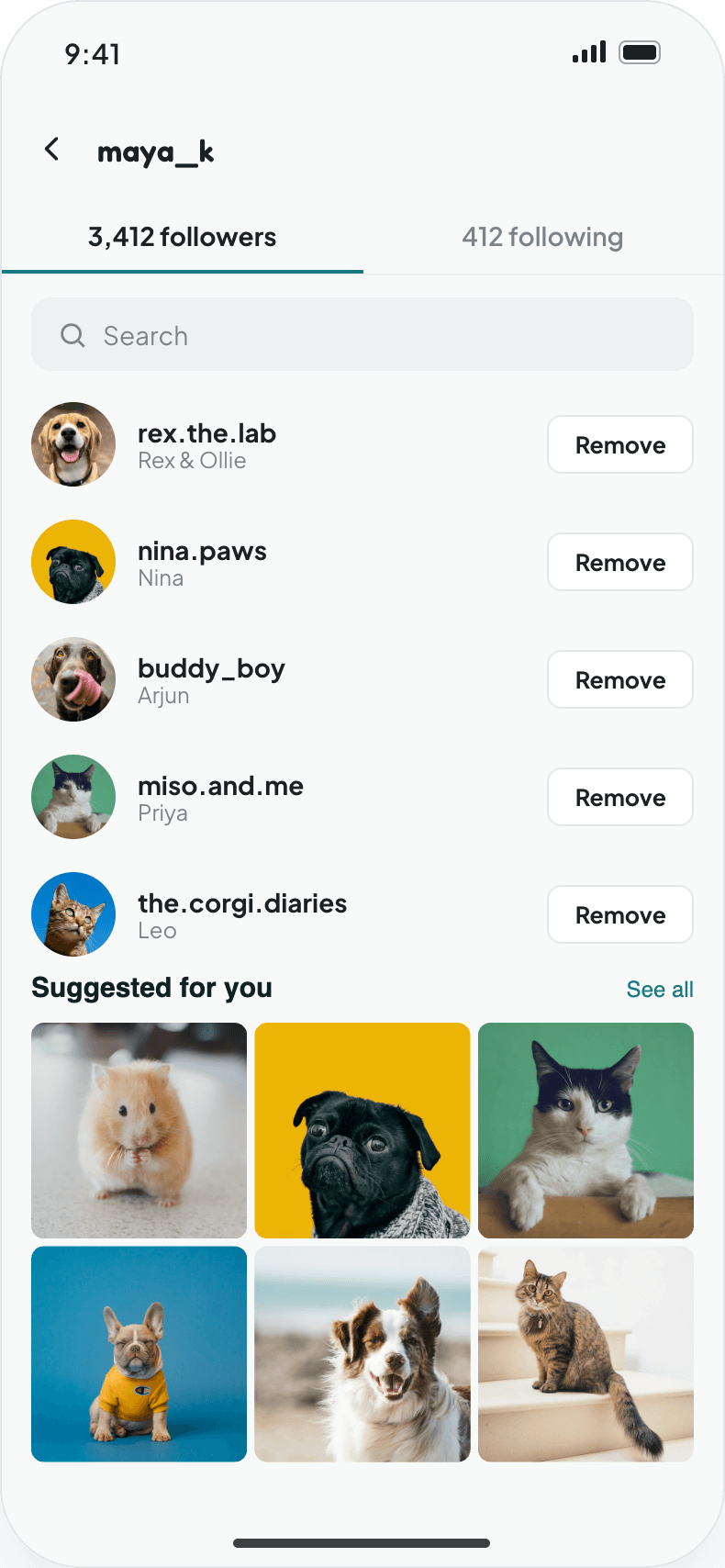
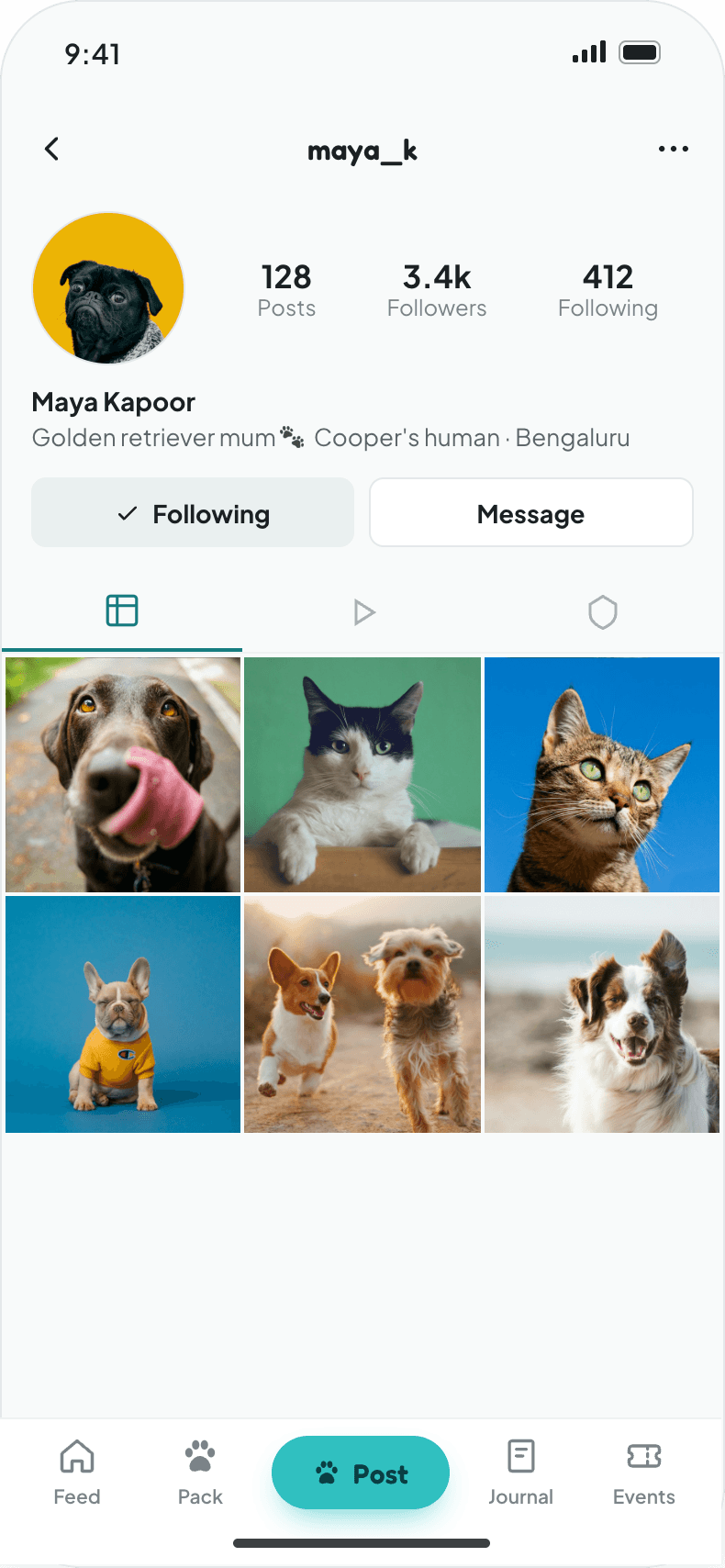
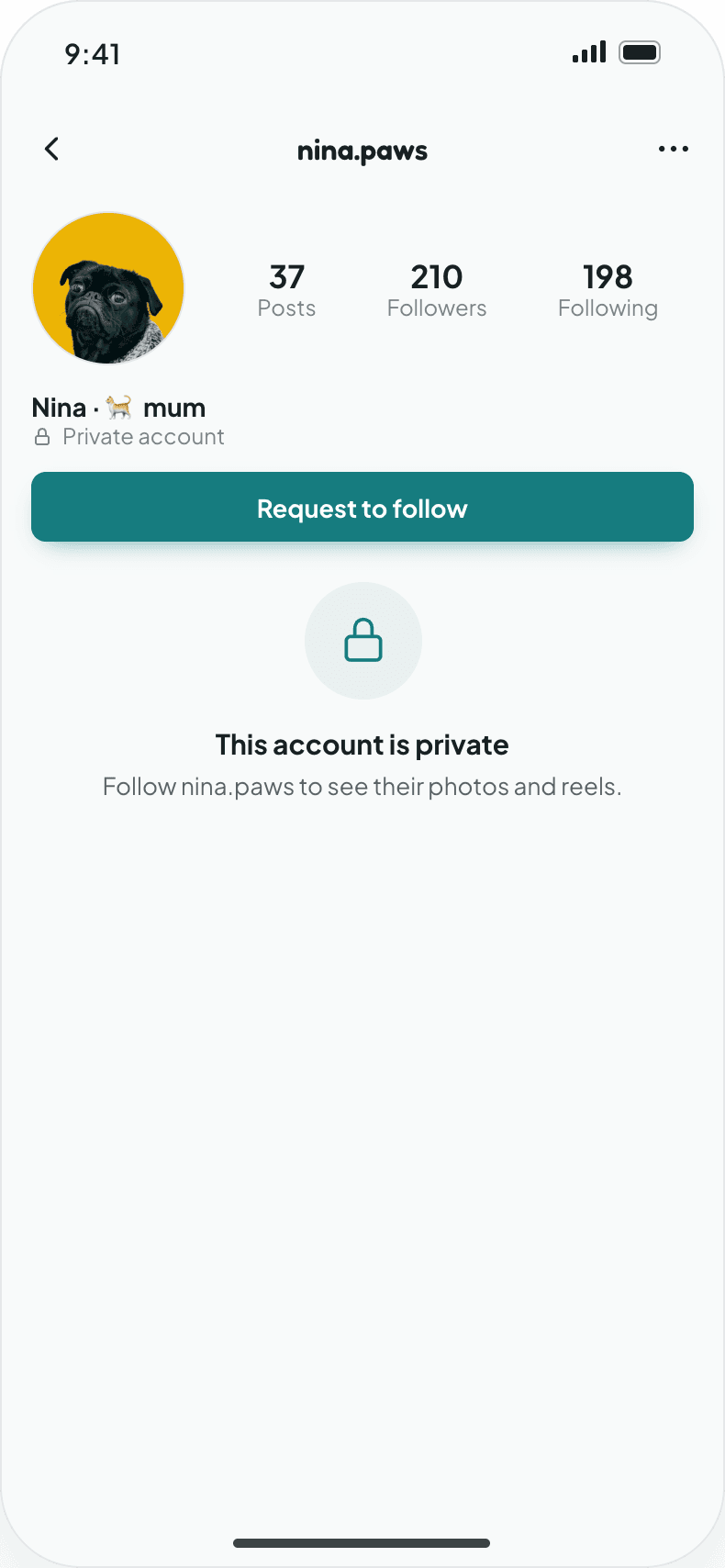
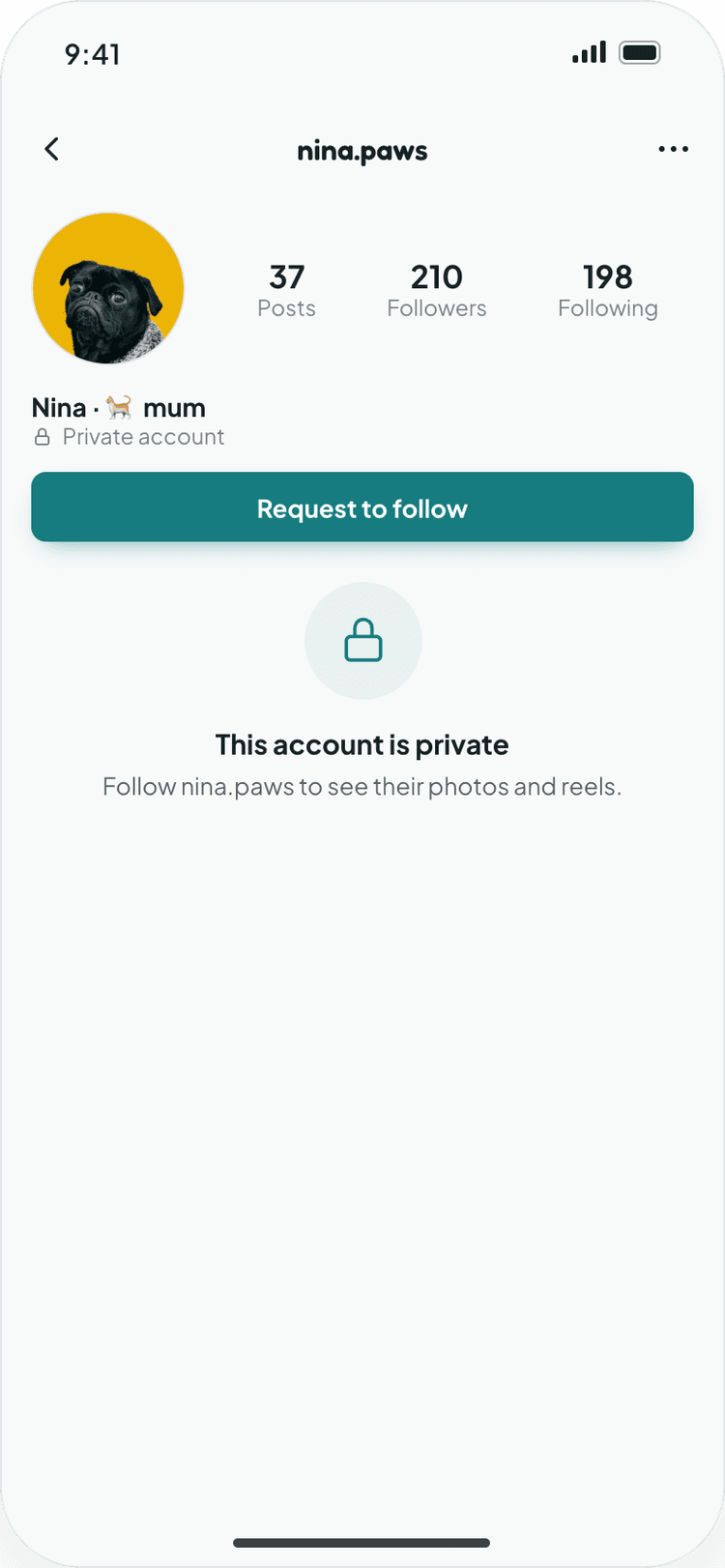
Profiles show posts, reels and followers at a glance. Private accounts lock their grid behind a follow request, which the owner accepts or deletes from a dedicated inbox. Followers and following lists are searchable and manageable.
User profile
User profilePosts, followers and following in one header.
Private account
Private accountContent locked until a request is accepted.
Follow requests
Follow requestsAccept or delete incoming requests.
Followers list
Followers listSearchable, with remove and unfollow.
Zoomiees My Pets Screen
Zoomiees Pet Profile Screen
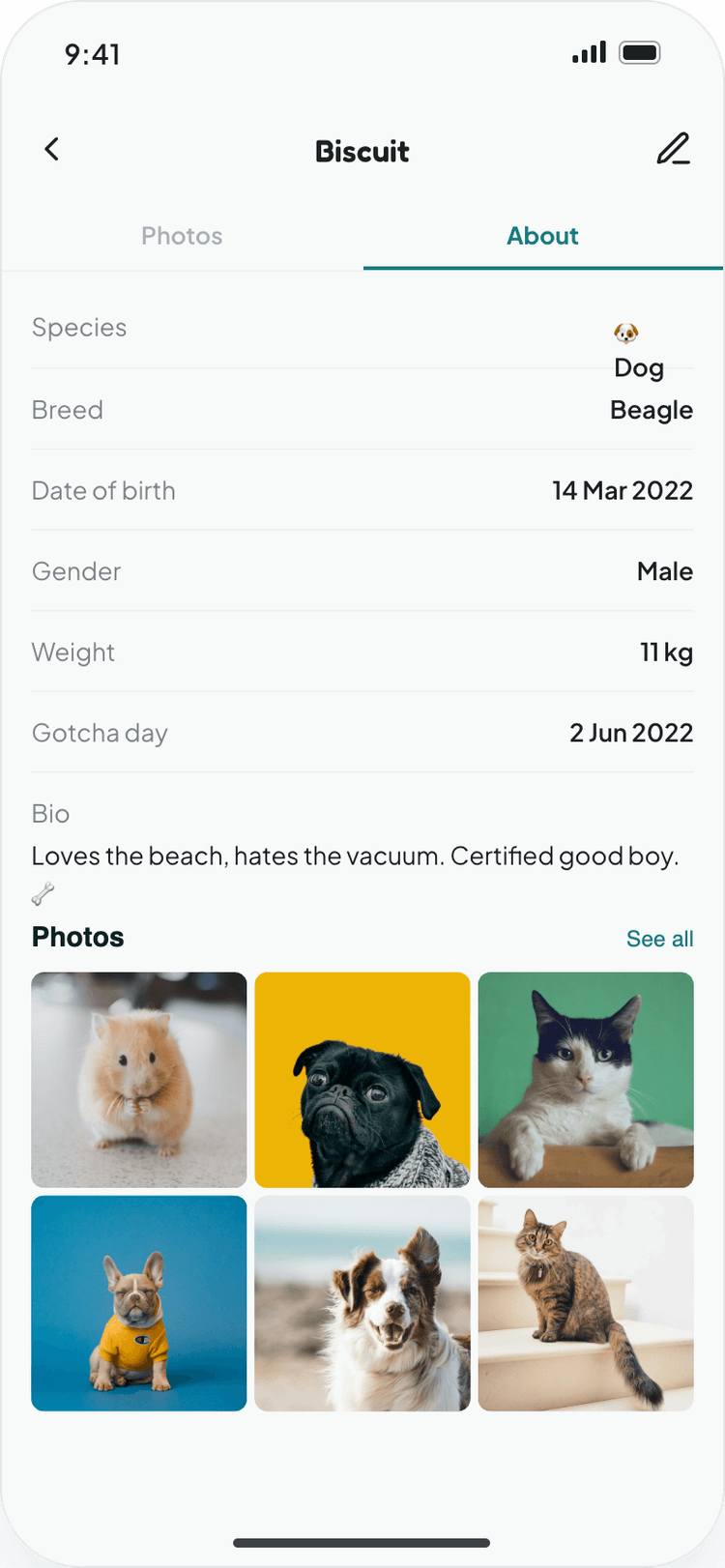
Zoomiees Pet About Screen
07 · ADD & MANAGE A PET

Every pet gets a profile of its own

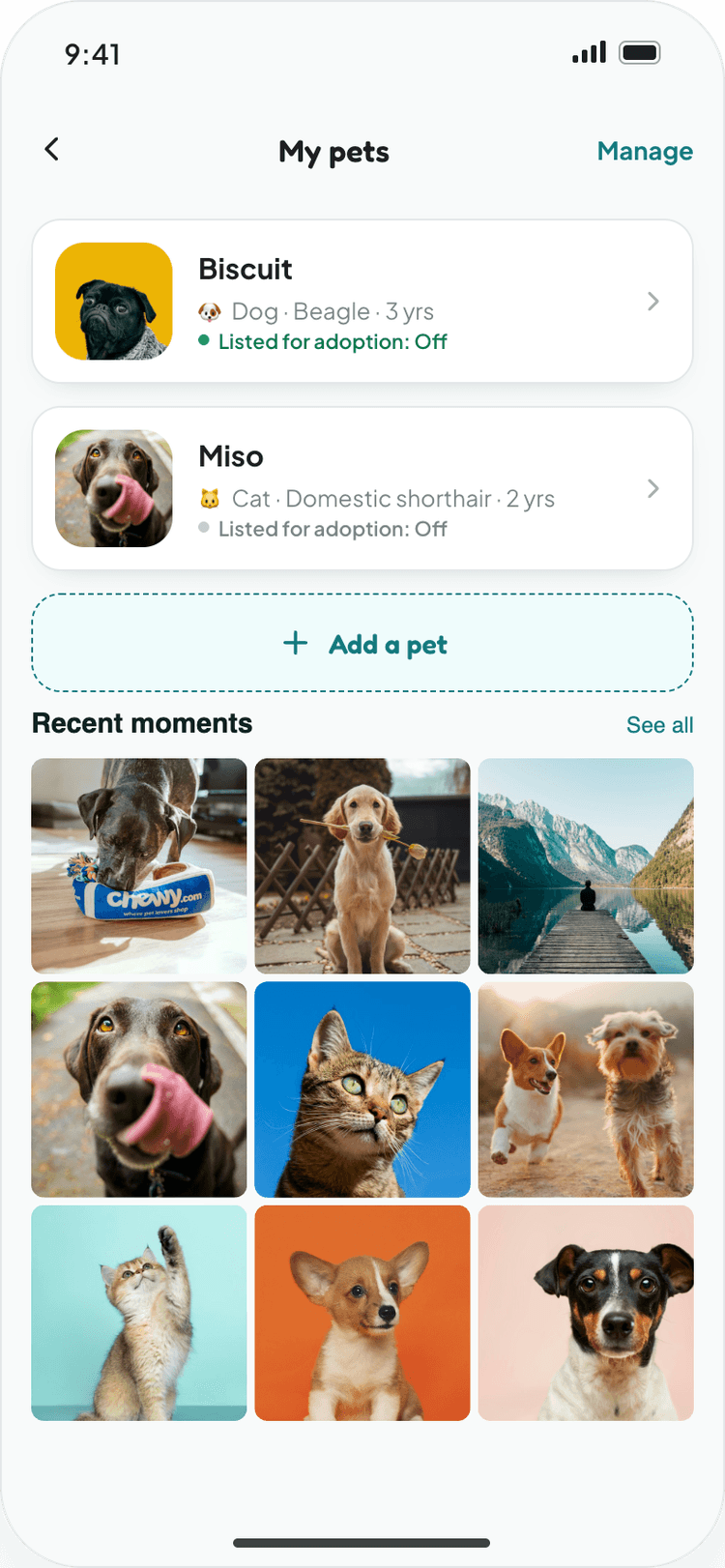
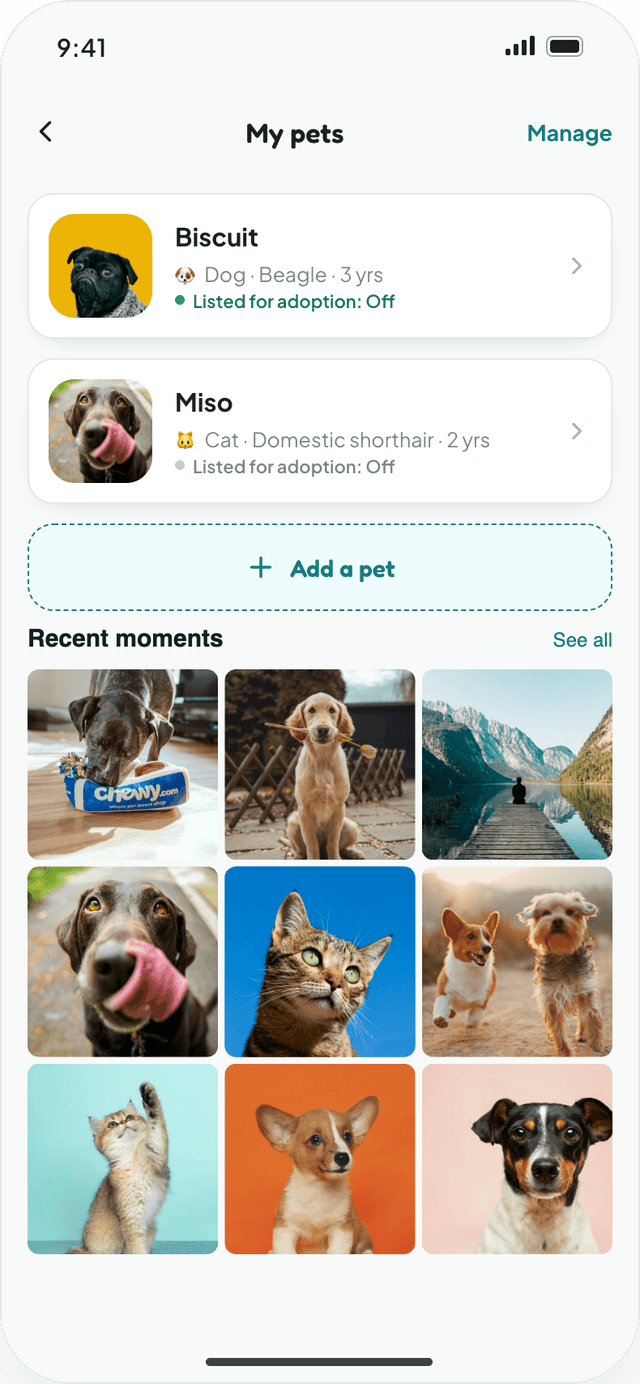
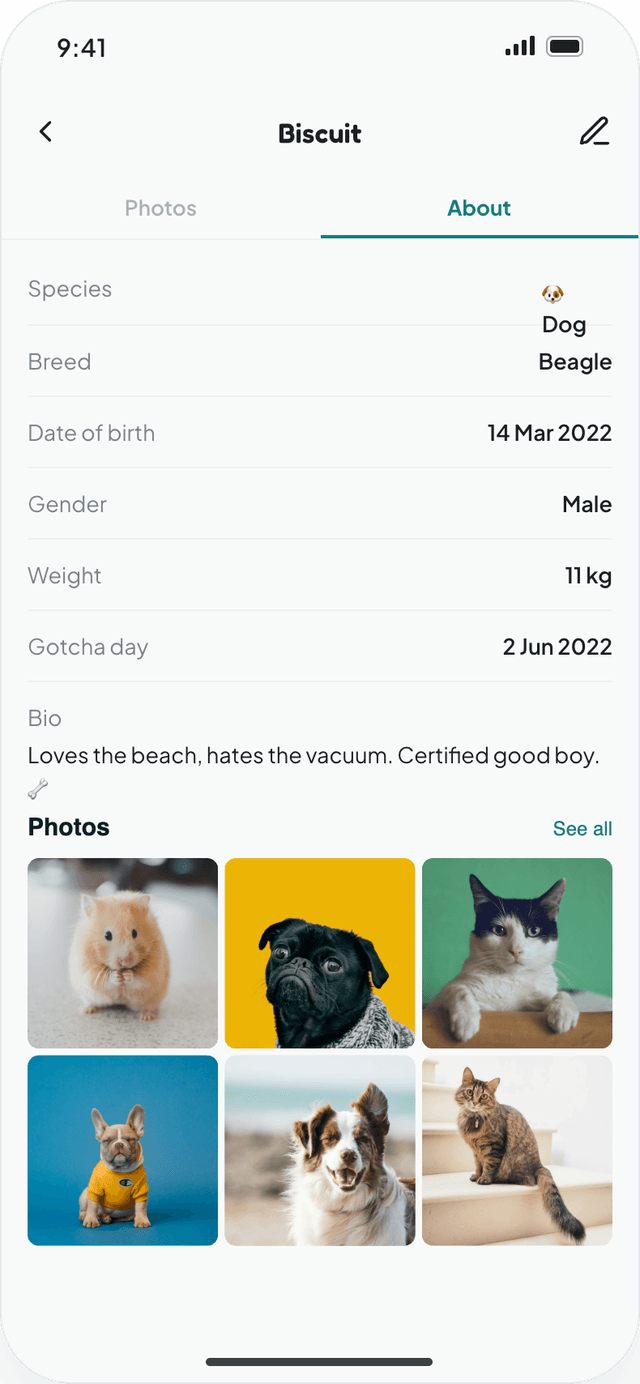
My Pets lists every animal in the household, with drag-to-reorder and quick add. Each pet profile carries its own photos, posts tagged with it and an About tab for species, breed, birthday, weight and a short bio. Pet parents can edit or remove a profile at any time.

Multiple pets per account, each with its own profile
Photos tab and an About tab for species, breed, weight and birthday
Pets can be tagged in posts, stories and reels
Create and edit share one form, so there is one pattern to learn
08 · LIGHT & DARK THEMES

Every screen, designed twice

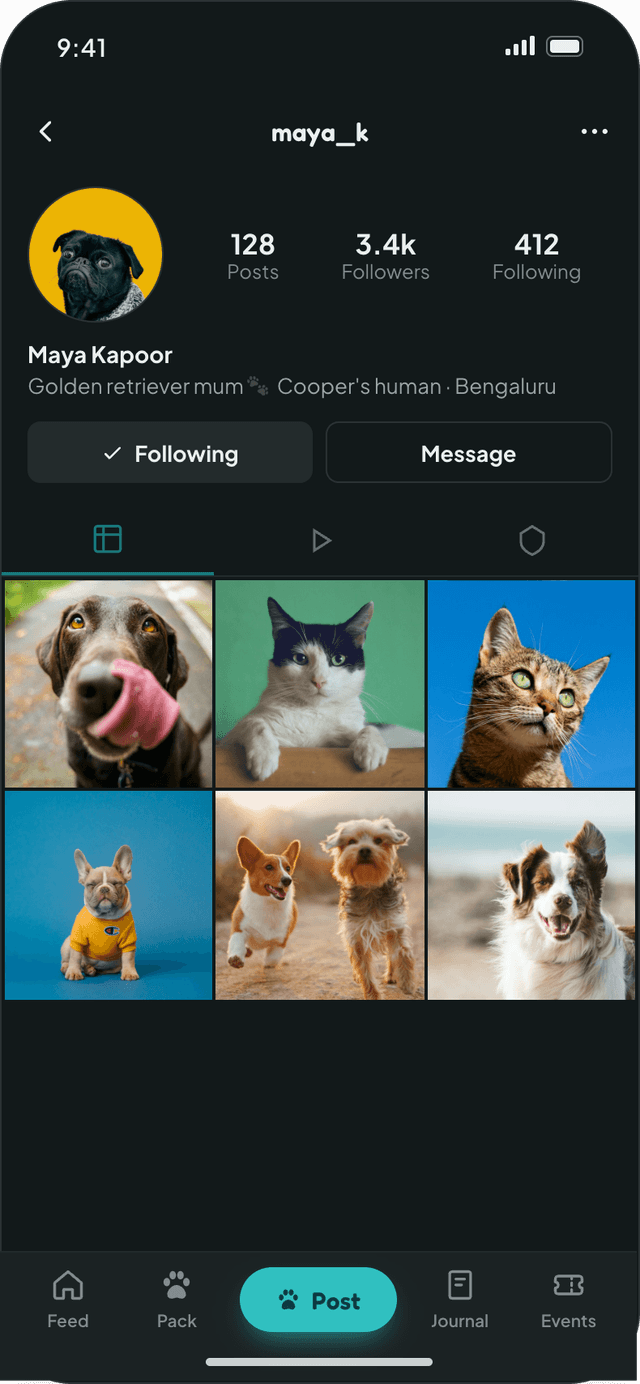
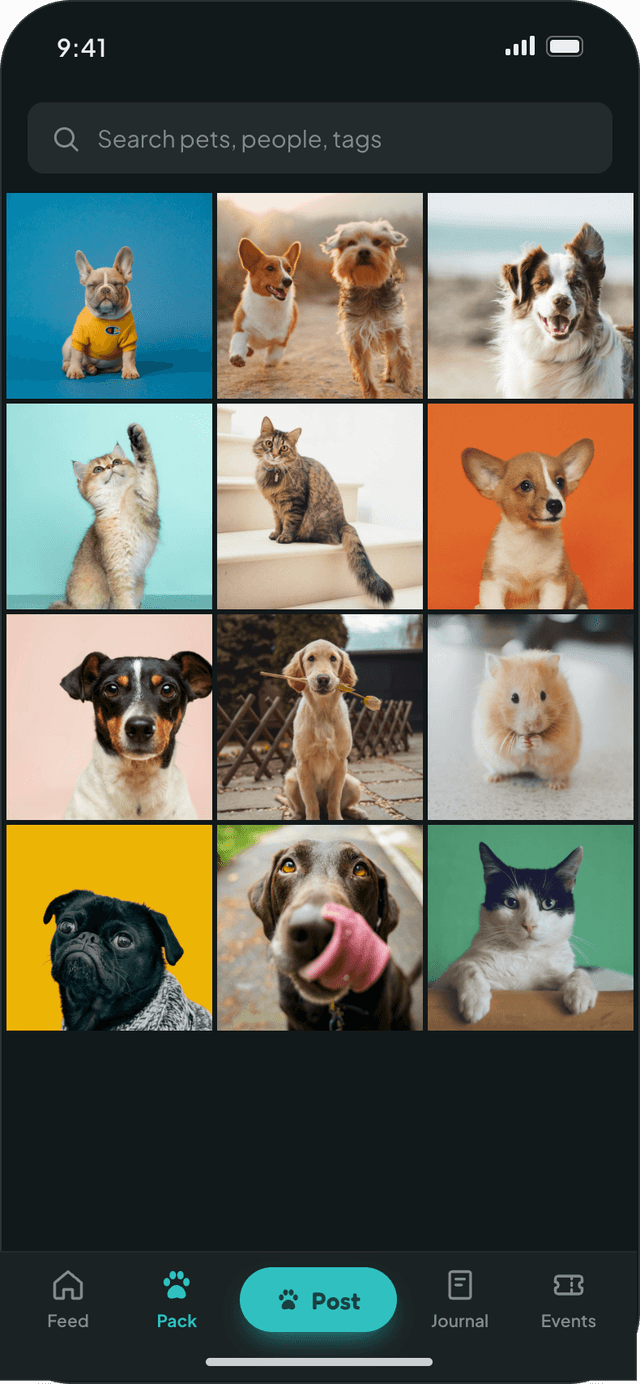
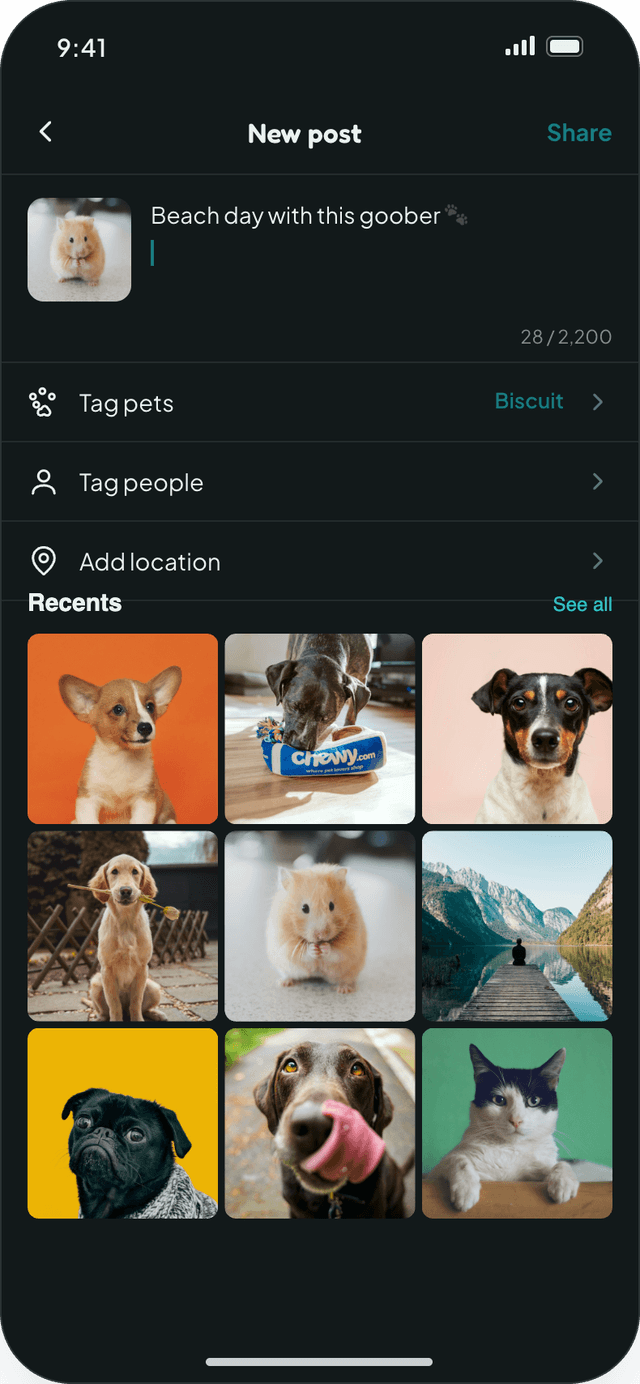
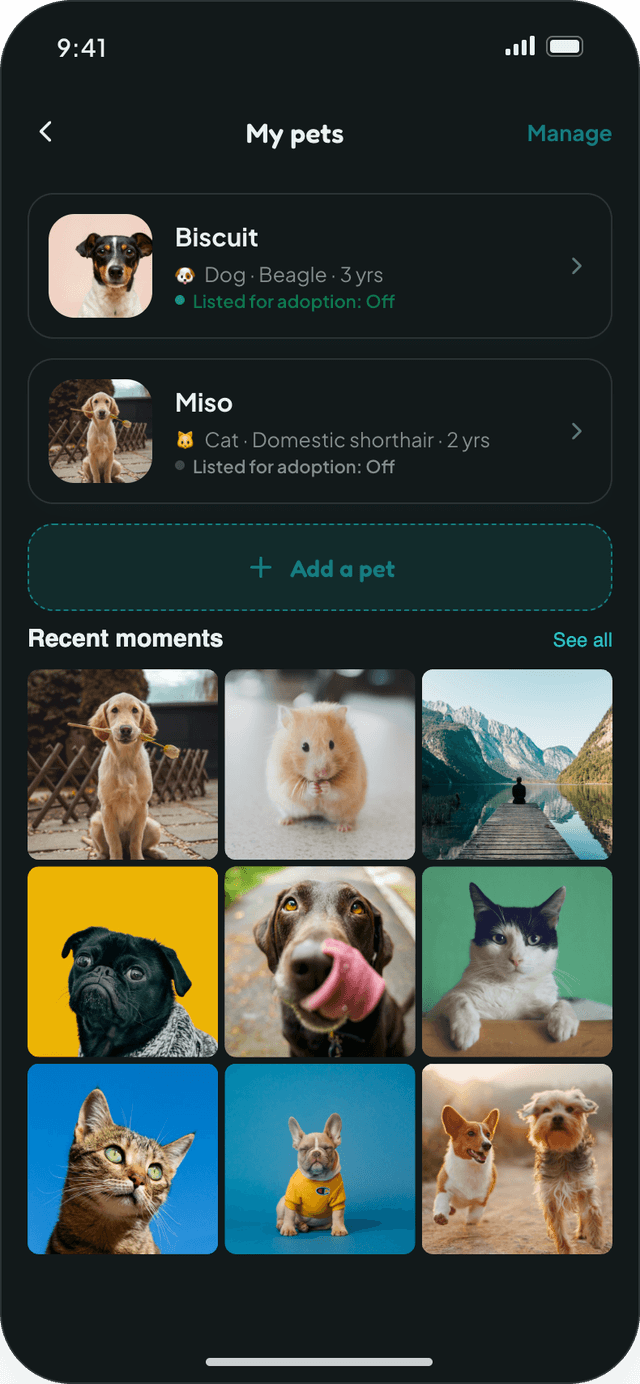
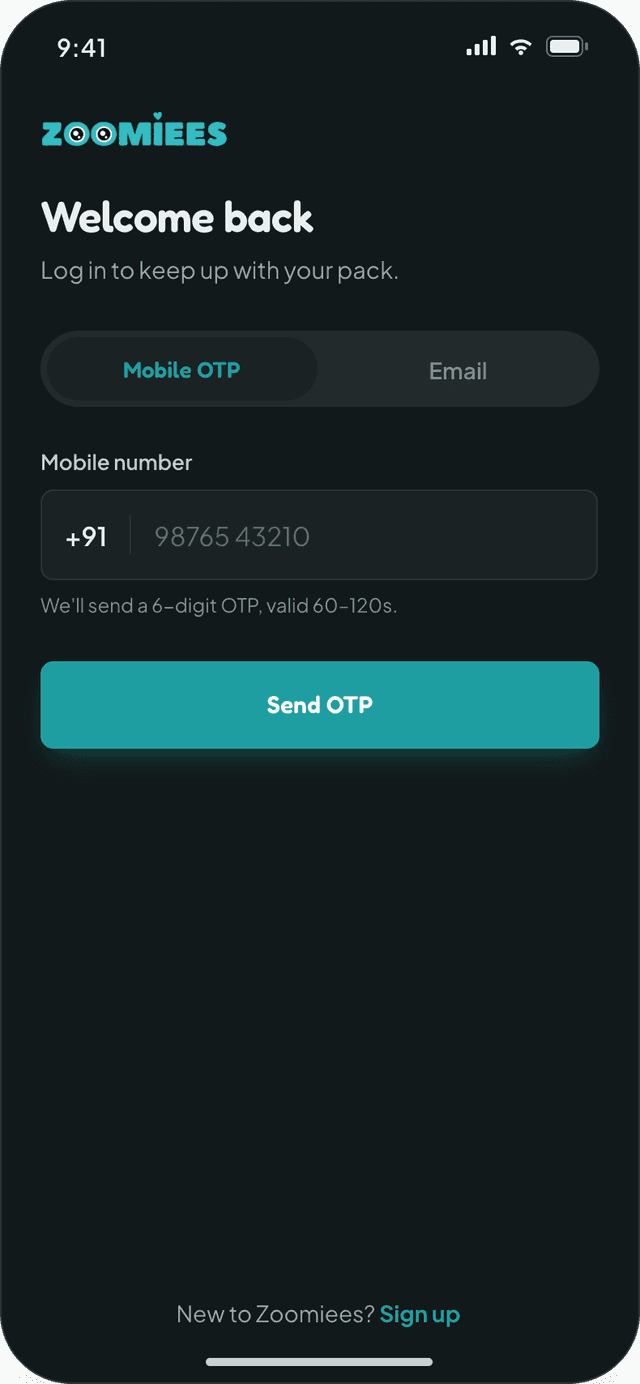
We designed every Zoomiees screen in a light and a dark theme from one shared set of tokens. Both themes keep the same layout, and the dark theme swaps surfaces, text and borders while keeping pet photos as bright as in light mode.
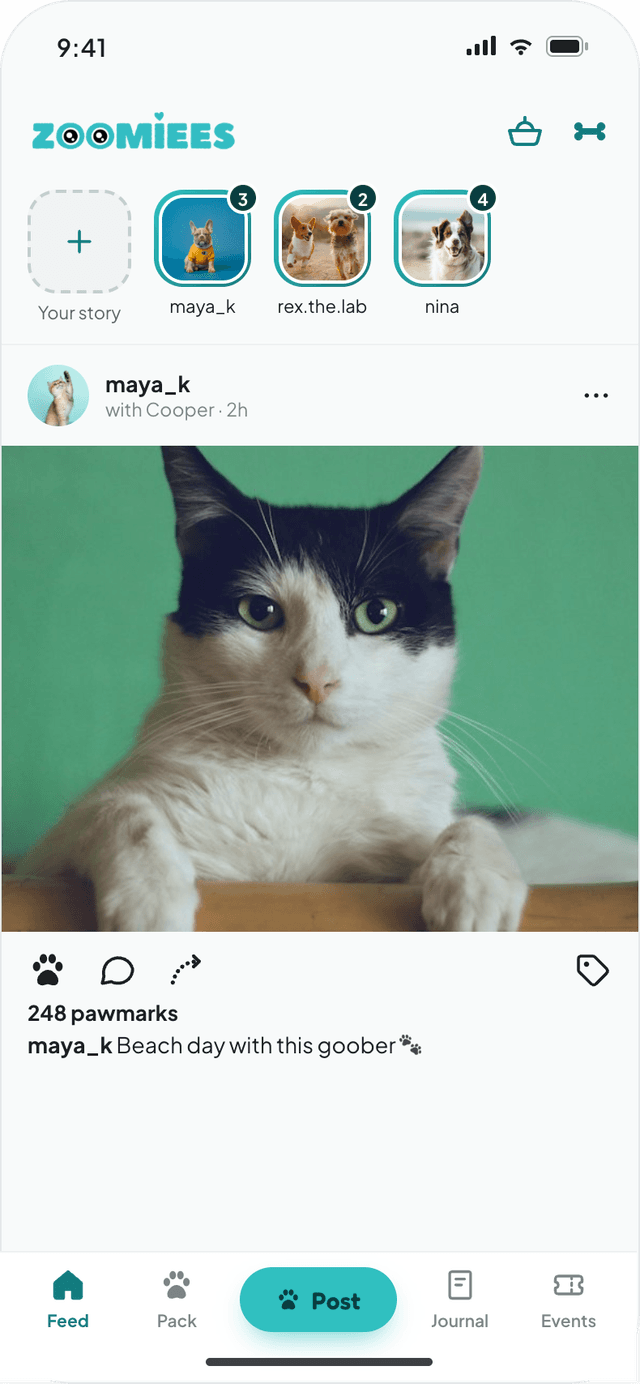
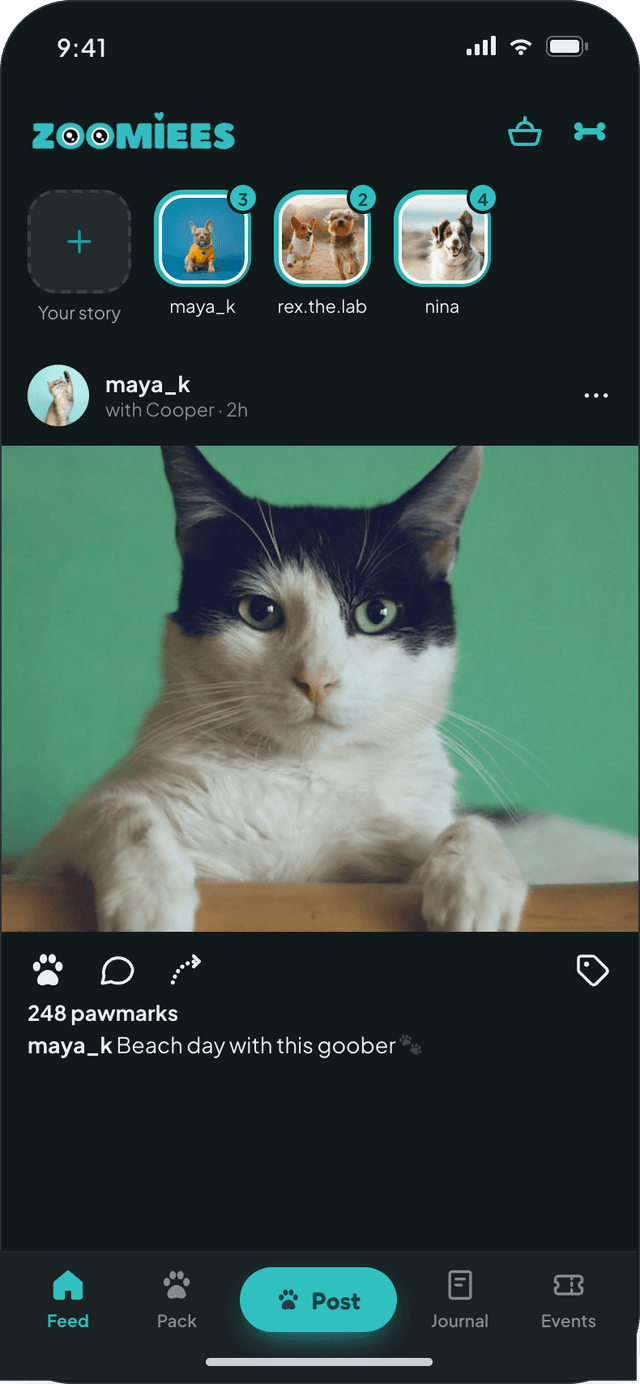
Feed home LightFeed home Dark
Feed homeJ3
User profile LightUser profile Dark
User profileJ5
Explore LightExplore Dark
ExploreJ3
Create post LightCreate post Dark
Create postJ4
My Pets LightMy Pets Dark
My PetsJ6
Sign in LightSign in Dark
Sign inJ1
Story viewer LightStory viewer Dark
Story viewerJ3
Pet details LightPet details Dark
Pet detailsJ6
SHARED TOKENS · LIGHT / DARK
Background#FBF8F3 / #0C1213
Card#FFFFFF / #12191A
Border#E6E0D6 / #232D2E
Text#0A3F41 / #F2F5F5
Muted text#4A5B5D / #9AA4A7
Accent#1F9EA1 / #30C0C0
BEYOND THE HAPPY PATH

Every screen designed in every state

Developers received each screen with its loading, empty, error and success states already resolved, each frame tagged with a screen ID and its entry and exit routes.
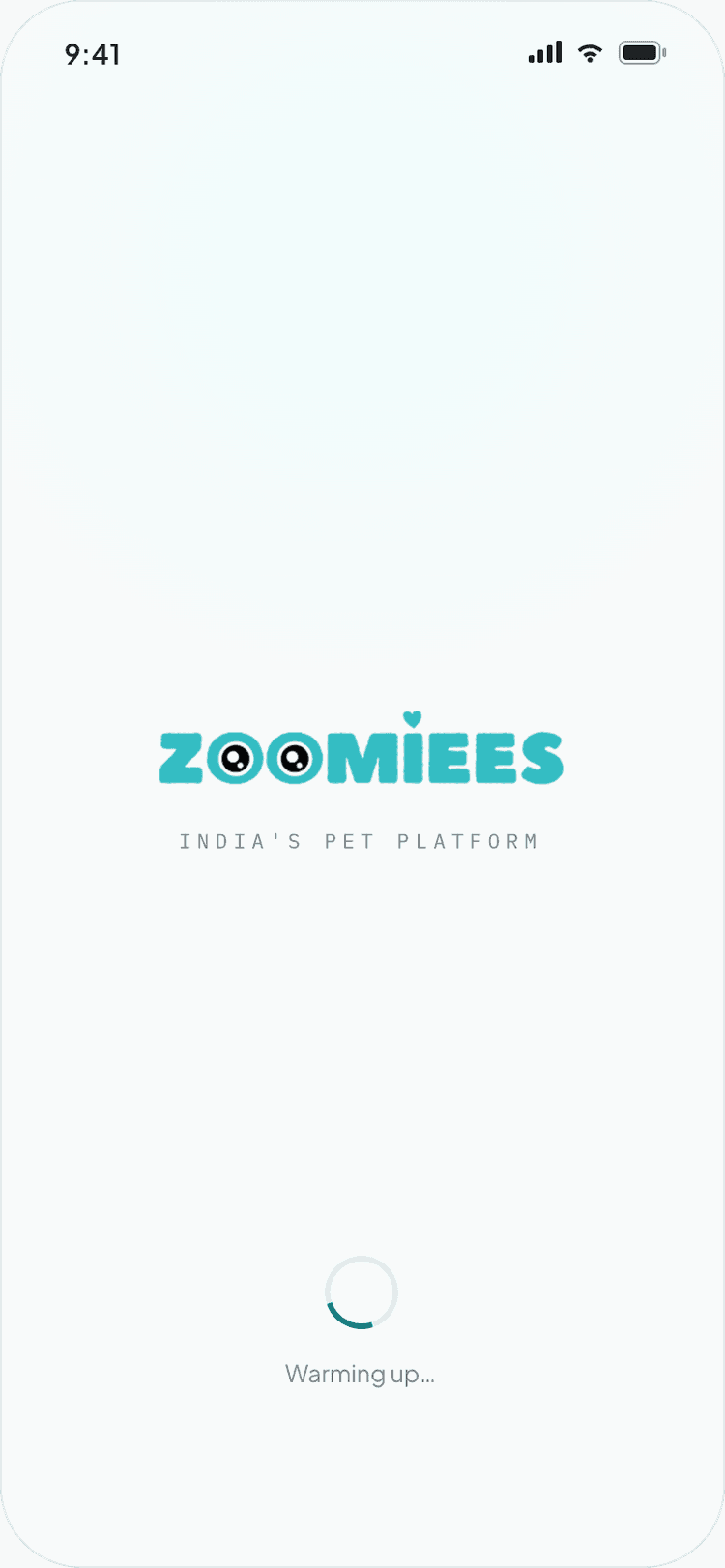
LoadingSkeletons and spinners keep the layout steady while content arrives.
Feed skeletonExplore skeletonSaving pet
EmptyFriendly prompts tell the user what to do next instead of a blank screen.
No follows yetNo commentsNo highlights
Errors & limitsProblems are explained on the field, before the user loses work.
Wrong OTPCaption too longVideo too long
Success & feedbackToasts and small celebrations confirm every completed action.
PostedReply sentPet saved
Zoomiees screen state 1
Zoomiees screen state 2
Zoomiees screen state 3
Zoomiees screen state 4
Zoomiees screen state 5
BRAND IDENTITY & DESIGN SYSTEM

Playful on the surface, systematic underneath

The wordmark's two "O"s become a pair of curious eyes, and a single teal carries the brand from logo to buttons. Rounded Fredoka headlines bring warmth, Plus Jakarta Sans keeps body text readable, and a full light and dark token set ships with every screen.

Zoomiees Logo Dark
Zoomiees Logo Light
COLOR PALETTE
Zoomiees Teal#30C0C0
Action Teal#1F9EA1
Mint Tint#B4EBEB
Deep Lagoon#0A3F41
Night#0C1213
Success Green#16A870
TYPOGRAPHY
AaFredokaHeadlines, buttons, names
Plus Jakarta SansBody copy, captions, form fields
IBM Plex MonoScreen IDs, labels, specs
HOW WE WORKED

From scope document to developer-ready screens

01Scope & rolesTurned the role-wise Phase 1 scope into screens for Pet Parents and Event Organizers.
02Journey mappingGrouped every screen into six journeys with screen IDs and entry and exit routes.
03Design systemBuilt the color, type and component tokens in light and dark before screen design.
04Screens & handoffDesigned 145+ frames covering every state, annotated for developers.

Building a community or social app?

Tell us who it's for, and we'll map the journeys and design every screen your developers need.